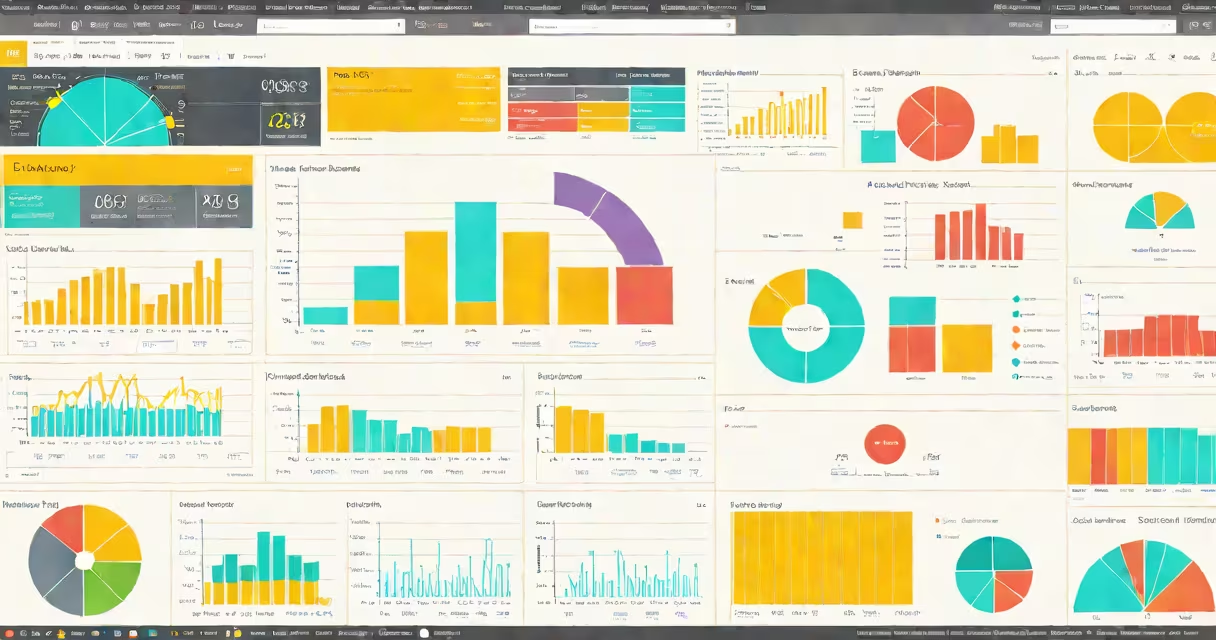
A power bi learning course is structured training that teaches users how to analyze data and create interactive visualizations using Microsoft Power BI. These courses typically cover data modeling, report creation, and dashboard design.
Most power bi learning courses follow a step-by-step approach, starting with basic concepts like connecting to data sources and creating simple visuals. As learners progress, they tackle more advanced topics such as DAX (Data Analysis Expressions) formulas, time intelligence functions, and integrating Power BI with other tools like Excel or SQL databases.
Courses often include hands-on exercises where students work with real-world datasets. For example, a course might guide learners through analyzing sales data for a retail company, creating visuals to track performance metrics, and building dashboards to monitor key indicators.
| Course Type | Duration | Key Focus Areas |
|---|---|---|
| Beginner | 1-2 weeks | Introduction to Power BI, basic visualizations, data connections |
| Intermediate | 3-4 weeks | DAX formulas, advanced visuals, report customization |
| Advanced | 5-6 weeks | Time intelligence, integration with other tools, Power BI Service |
| Certification | 6-8 weeks | Complete training for Microsoft certification exams |
Power BI is widely used in businesses for data-driven decision-making. A power bi learning course equips professionals with the skills needed to create insightful reports and dashboards. According to Microsoft, over 80% of Fortune 500 companies use Power BI for their business analytics needs.
Many industries, including finance, healthcare, and retail, rely on Power BI for tracking performance metrics. For instance, a financial analyst might use Power BI to monitor stock market trends, while a retailer could use it to analyze customer purchase patterns.
Some people believe that Power BI is only for IT professionals or data scientists. However, Power BI aims to be user-friendly, even for non-technical users. Many courses start with basic concepts, making it accessible to beginners.
Another misconception is that Power BI is only available on Windows. While Power BI Desktop is a Windows application, Power BI Service can be accessed via a web browser on any device. For those who prefer macOS, alternatives like Power BI on Mac or similar tools exist.
To begin, choose a course that matches your skill level. Many online platforms offer free introductory modules. For example, Microsoft Learn provides a free learning path called "Analyze and visualize data with Power BI." This course covers the basics of Power BI and includes hands-on labs.
For those interested in more advanced training, platforms like Coursera, Udemy, and LinkedIn Learning offer complete power bi learning courses. Some courses also prepare learners for Microsoft's PL-300 certification exam, which validates skills in Power BI.
I recently took a beginner course on Power BI and was surprised by how quickly I could create my first dashboard. The course included practical exercises, such as analyzing sales data for a fictional company. By the end of the course, I had a solid understanding of how to connect data sources, create visuals, and share reports.
For those looking to expand their data analysis skills beyond Power BI, consider exploring other tools like Google Machine Learning, which offers different capabilities for predictive analytics and machine learning.