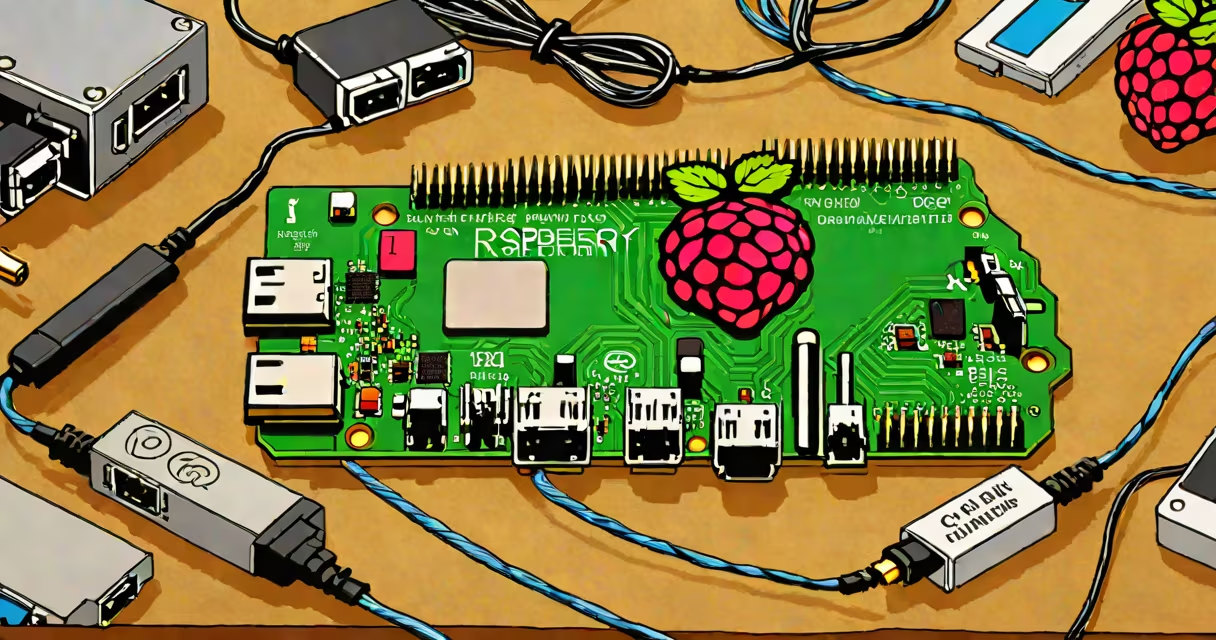
A Raspberry Pi is a small, affordable single-board computer that runs on Linux and can perform tasks like a desktop PC. Beginners often start with the Raspberry Pi 4 Model B, which offers a quad-core CPU, up to 8GB RAM, and dual 4K display support.
The Raspberry Pi connects to a monitor via HDMI, uses a standard keyboard and mouse, and runs on a microSD card loaded with the operating system. Power comes from a USB-C connection, and it supports Wi-Fi, Bluetooth, and Ethernet for internet access.
Raspberry Pi offers several models, each suited to different needs:
| Model | CPU | RAM | USB Ports | Best For |
|---|---|---|---|---|
| Raspberry Pi 400 | Quad-core | 4GB | 3 | Portability |
| Raspberry Pi 4 Model B | Quad-core | 2GB, 4GB, or 8GB | 2 | General use |
| Raspberry Pi Zero 2 W | Quad-core | 512MB | 1 | Embedded projects |
Beginners often start with simple projects like setting up a retro gaming console, building a smart mirror, or creating a basic website. More advanced users might explore home automation, robotics, or even building a small server.
For example, a beginner might follow a tutorial to turn their Raspberry Pi into a media center using software like OSMC or LibreELEC. This involves installing the software, connecting it to a TV, and loading media files onto an external drive.
Many beginners assume they need extensive programming knowledge to use a Raspberry Pi. While coding skills help, the device can run many applications without any programming. For instance, beginners can use it as a desktop computer, media player, or even a VPN server right out of the box.
Another common mistake is underestimating the power requirements. The Raspberry Pi needs a high-quality USB-C power supply to function properly. Using a low-quality or underpowered supply can cause instability or failure to boot.
To begin, beginners need a Raspberry Pi starter kit, which typically includes the board, a power supply, a microSD card, and basic cables. The official Raspberry Pi OS (formerly Raspbian) is the most beginner-friendly option, offering a desktop environment similar to Windows or macOS.
I remember my first project was setting up a Raspberry Pi as a retro gaming console. I used RetroPie, a software distribution that emulates classic gaming systems. After some initial setup challenges, I successfully played games from the NES, SNES, and Sega Genesis eras. It was a rewarding experience that sparked my interest in more complex projects.