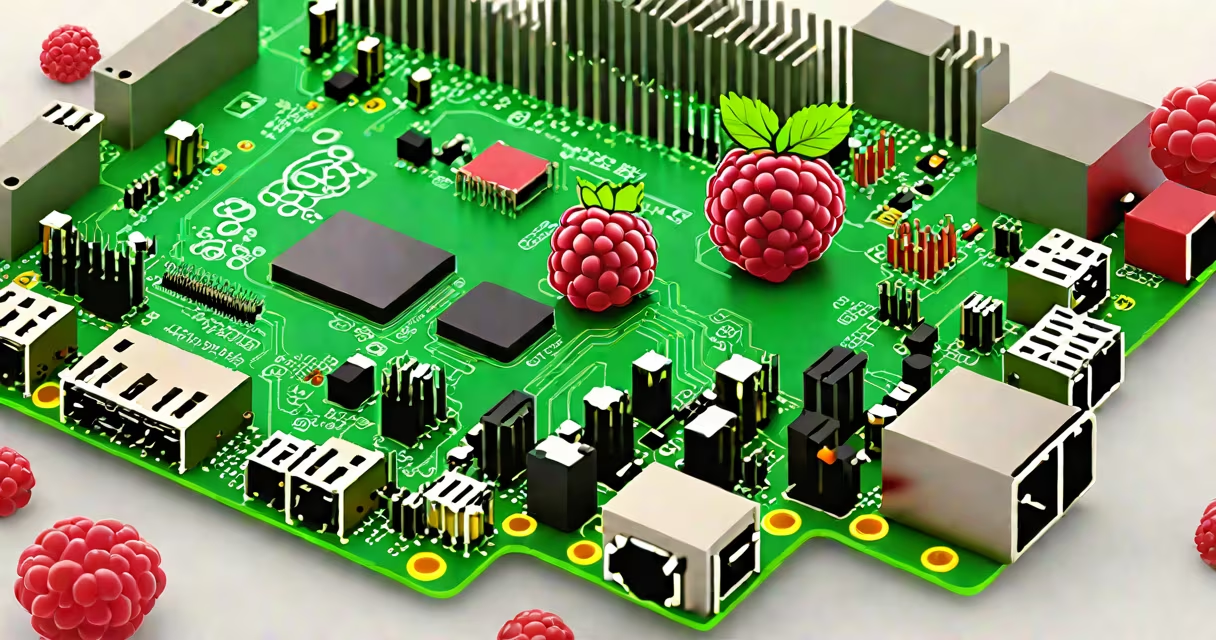
A Raspberry Pi system is a low-cost, credit-card-sized computer that runs Linux-based operating systems, designed for education, DIY projects, and lightweight computing tasks. It consists of a single-board computer, power supply, microSD card, and peripherals like keyboards and monitors.
How It Works
The Raspberry Pi system operates similarly to a standard desktop computer but on a smaller scale. The single-board computer houses a processor, memory, and input/output interfaces. Users install an operating system on a microSD card, which the Raspberry Pi reads at startup. Once booted, it functions like any other computer, allowing users to browse the web, run applications, and even program.
Main Components
The core components of a Raspberry Pi system include:
Single-board computer: The Raspberry Pi board itself, available in various models like the Raspberry Pi 4 Model B.
Power supply: A USB-C power adapter that provides stable power to the device.
MicroSD card: Stores the operating system and data, typically preloaded with an OS image.
Peripherals: Keyboards, mice, and monitors connected via USB ports or HDMI.
Common Uses
Raspberry Pi systems are versatile and used for different purposes:
Education: Teaches programming, electronics, and basic computer science concepts.
Home automation: Controls smart home devices and sensors.
Media centers: Runs software like Kodi to stream media.
Gaming: Plays retro games through emulators.
Server hosting: Acts as a lightweight server for web or file storage.
Misconceptions
Example Project: Home Media Center
To create a home media center using a Raspberry Pi, follow these steps:
Install the OS: Download and install a media-center-friendly OS like LibreELEC on a microSD card.
Connect peripherals: Attach a keyboard, mouse, and monitor via HDMI and USB ports.
Set up the media center: Configure the software to access your media library and streaming services.
Enjoy: Use the Raspberry Pi to stream movies, TV shows, and music.