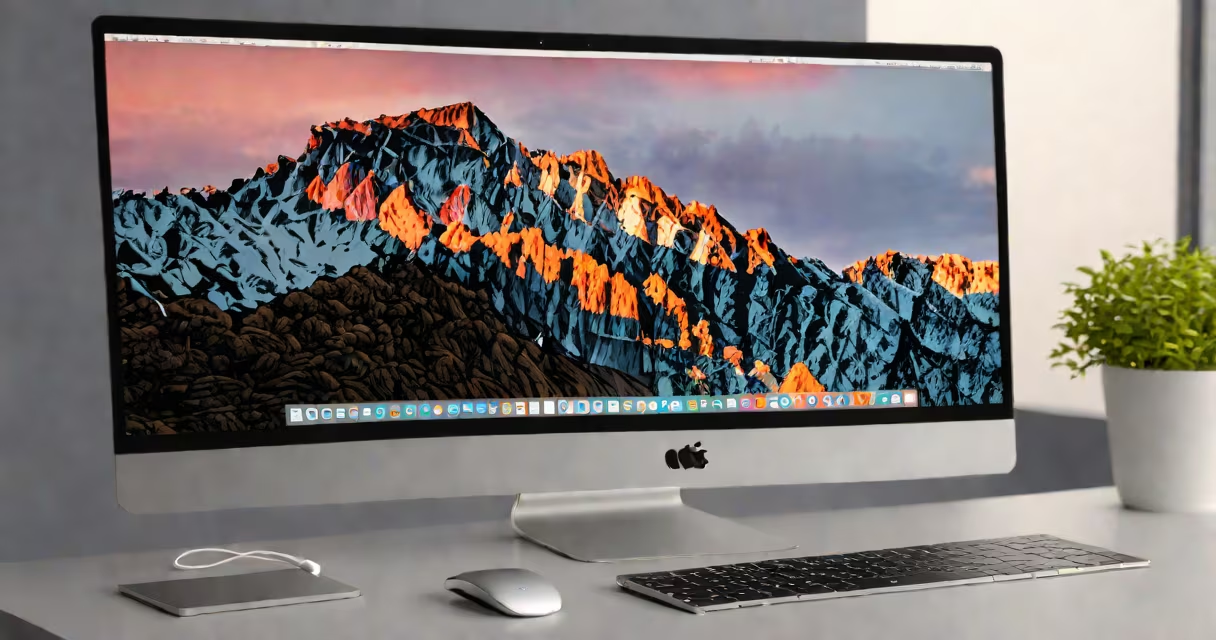
An RDP application for Mac is software that uses the Remote Desktop Protocol (RDP) to connect your Apple computer to a Windows PC, letting you control it remotely. This allows Mac users to run Windows applications and access files as if they were sitting in front of the Windows machine.
RDP applications create a secure network connection between your Mac and the remote Windows computer. They compress and encrypt data during transmission, enabling smooth remote access even over slower internet connections. The software renders the remote desktop's display on your Mac screen while forwarding mouse movements and keystrokes back to the Windows PC.
Most RDP applications fall into two categories:
Many professionals use RDP applications to:
While RDP is the most common protocol for Windows remote access, other methods exist:
| Method | Primary Use Case | Key Difference from RDP |
|---|---|---|
| VNC | Cross-platform remote access | Less secure, higher bandwidth usage |
| TeamViewer | Quick support sessions | Requires installation on both ends |
| Parsec | Gaming and high-performance applications | Lower latency than RDP |
To use Microsoft's free RDP application:
Note that the remote Windows PC must have Remote Desktop enabled in its settings for this to work.
I've personally used Microsoft Remote Desktop to access my work computer from home for years. The setup process is straightforward, and the performance is surprisingly good even over my home Wi-Fi network. The only occasional hiccup occurs when working with high-resolution images or videos, which can cause slight lag during transmission.