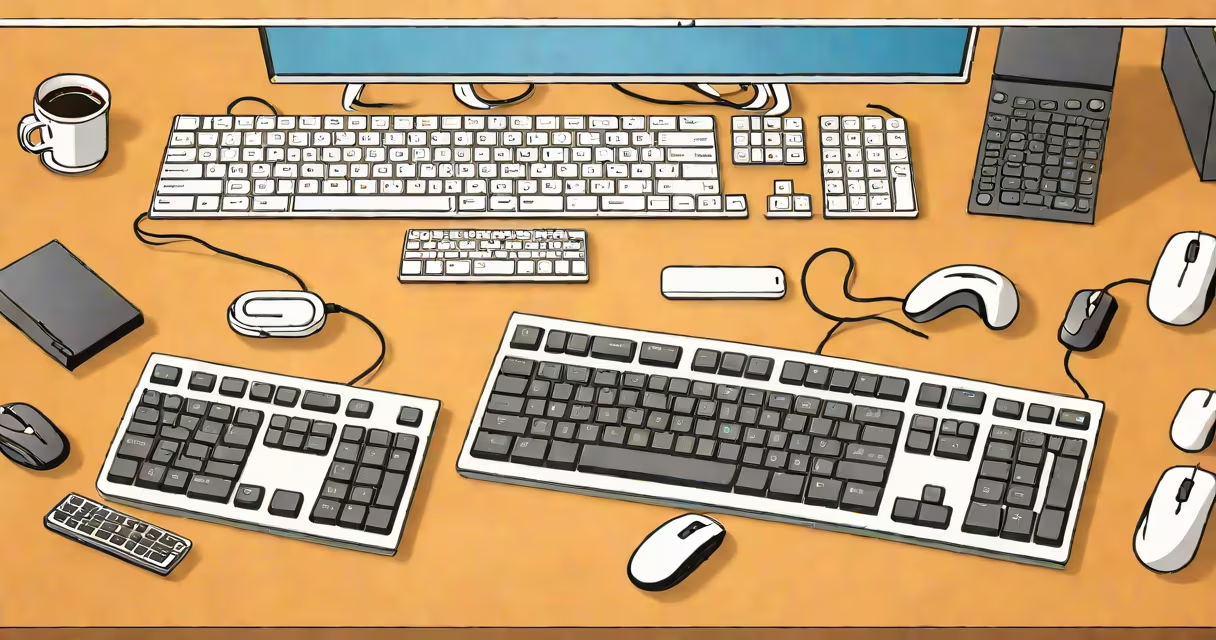
A remote for computer is a wireless input device that lets you control your PC from a distance. These remotes typically connect via Bluetooth or USB receiver, replacing traditional wired keyboards and mice.
Most wireless computer remotes use radio frequency (RF) signals to communicate with your PC. The device sends input signals to a small USB receiver plugged into your computer. This creates a wireless connection between your remote and computer, allowing you to control it feet away.
Some advanced models use Bluetooth technology, which eliminates the need for a separate USB receiver. Instead, they connect directly to your computer's built-in Bluetooth adapter. This makes them more portable and convenient for travel.
| Type | Description | Typical Range |
|---|---|---|
| Wireless Keyboard | Full QWERTY keyboard with touchpad or trackball | 10-30 feet |
| Wireless Mouse | Standalone pointing device, often paired with a keyboard | 10-30 feet |
| Universal Remote | Dedicated remote with limited computer control functions | 10-50 feet |
| Smartphone App | Turns your phone into a computer remote via Wi-Fi | 30-100 feet |
Wireless computer remotes are popular for presentations, home theater PCs, and accessibility needs. They allow you to control your computer from across the room, making them ideal for:
While both allow remote control of a computer, they work differently. A physical remote for computer requires line-of-sight and uses wireless signals. Remote desktop software like TeamViewer or Chrome Remote Desktop connects over the internet, letting you access your computer from anywhere in the world.
I've used both methods extensively. For local control, a wireless keyboard and mouse set is more responsive and reliable. For accessing my work computer from home, remote desktop software is indispensable.
Most wireless computer remotes require minimal setup. Plug the USB receiver into your computer, turn on the remote, and it should automatically connect. Some advanced models may require software installation for additional features or customization.
For Bluetooth devices, you'll need to pair them with your computer through your operating system's Bluetooth settings. This usually involves putting the device in pairing mode and selecting it from your computer's list of available Bluetooth devices.
Once connected, your remote should work just like a wired keyboard and mouse. Test all functions to ensure proper operation. If you encounter issues, try moving closer to your computer or removing any potential sources of wireless interference.
When selecting a remote for computer, consider your specific needs. For presentations, look for a model with a laser pointer and long battery life. For home theater use, prioritize comfort and a full keyboard layout. Accessibility users may need specialized features like large keys or high-contrast designs.
Many universal remotes designed for home entertainment systems can also control basic computer functions. However, these often lack the precision and range of dedicated computer remotes. For professional use, a high-quality wireless keyboard and mouse set is usually the best choice.
To extend the life of your remote for computer, follow these care tips:
With proper care, a quality wireless computer remote can provide years of reliable service. When it's time to replace yours, consider upgrading to a model with longer battery life or additional features that match your current needs.