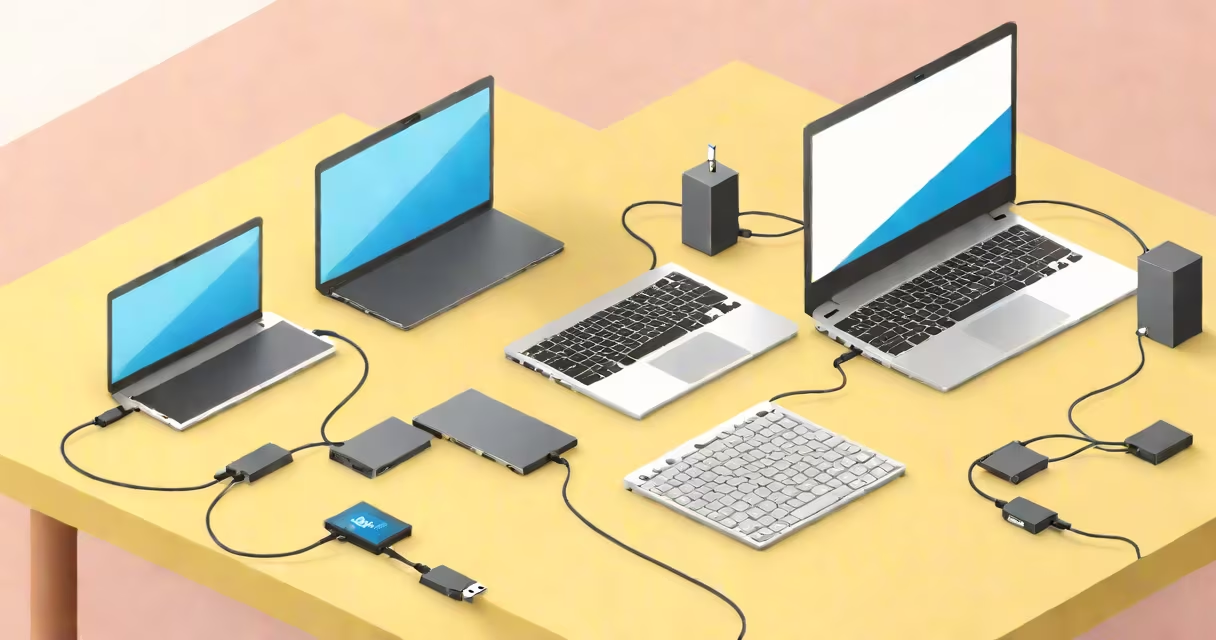
A **switch USB 2** is a hardware device that routes USB 2.0 signals between multiple computers and a single peripheral, like a keyboard or mouse. It enables one peripheral to control multiple computers by physically switching the connection.
Unlike a USB hub, which connects multiple peripherals to one computer, a USB switch connects one peripheral to multiple computers. When you press a button or use software, the switch redirects the USB signal to the selected computer. This allows you to use a single keyboard and mouse to control different computers without unplugging and replugging them.
The switch maintains the USB 2.0 standard's maximum data transfer rate of 480 Mbps. However, the actual speed may vary depending on the connected devices and the switch's internal processing.
USB 2.0 switches come in different configurations based on the number of computers they support:
| Type | Number of Computers | Typical Use Case |
|---|---|---|
| Dual | 2 | Switching between two computers for multitasking |
| Triple | 3 | Managing three workstations simultaneously |
| Quad | 4 | Controlling four computers for complex setups |
USB 2.0 switches are commonly used in office environments, gaming setups, and development workstations where multiple computers share limited desk space. For example, a developer might use a dual USB switch to control both a Windows machine for testing and a macOS machine for development with a single keyboard and mouse.
Many people confuse a USB switch with a USB hub. A hub increases the number of USB ports on a computer, while a switch allows one peripheral to control multiple computers., not all USB switches support all USB versions equally; some may only support USB 2.0 speeds even if connected to USB 3.0 ports.
For instance, if you connect a USB 2.0 switch to a USB 3.0 port, the data transfer rate will still be limited to 480 Mbps, not the USB 3.0 standard of 5 Gbps.
I once set up a dual USB 2.0 switch in my home office to manage two computers with a single keyboard and mouse. The switch made it effortless to toggle between the machines, improving my productivity. However, I noticed a slight delay when switching, likely due to the USB 2.0 speed limitation.
To minimize this delay, ensure your switch supports the highest possible data transfer rate for your peripherals. For faster switching, consider a USB 3.0 or higher switch if your devices support it.