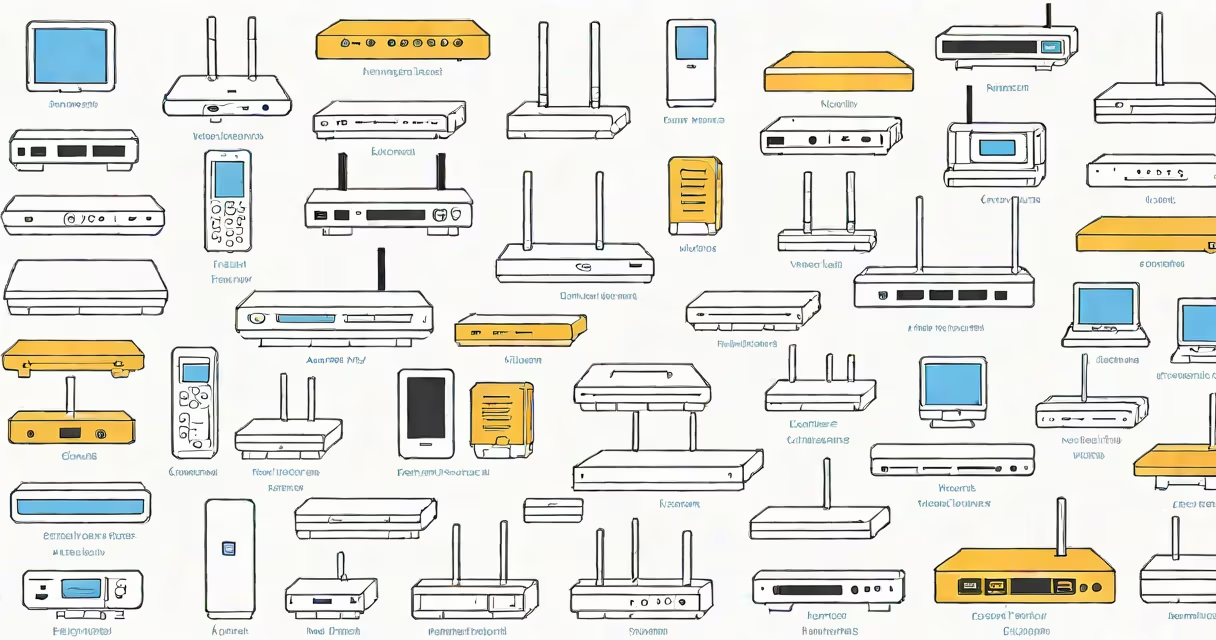
A wireless access point (WAP) is a networking device that allows Wi-Fi-enabled devices to connect to a wired network. It acts as a bridge between wired and wireless networks, enabling internet access and local network communication.
Wireless access points connect to a router or switch via Ethernet and broadcast a Wi-Fi signal that devices can join. They use protocols like 802.11ac or 802.11ax (Wi-Fi 6) to manage data transmission. Most WAPs support multiple devices simultaneously, with some enterprise models handling hundreds.
Wireless access points come in several forms, each suited to different environments and use cases. The most common types include:
| Type | Use Case | Key Features |
|---|---|---|
| Enterprise Access Point | Offices, schools, large buildings | High capacity, advanced security, scalability |
| Consumer Access Point | Home networks, small offices | Easy setup, basic security, lower cost |
| Outdoor Access Point | Campuses, parking lots, public spaces | Weather-resistant, long-range coverage |
| Mesh Network Access Point | Large homes, multi-story buildings | Smooth roaming, self-healing network |
Wireless access points are deployed in various settings to provide reliable Wi-Fi coverage. Offices use enterprise access points to support many devices securely, while homes often rely on consumer or mesh models for simplicity. Outdoor access points extend coverage to open areas like parks or campuses.
One common misconception is that a wireless access point is the same as a router. While both provide Wi-Fi, a router manages network traffic and assigns IP addresses, whereas an access point only extends wireless coverage. Some high-end routers include built-in access points, but standalone WAPs offer better performance for large or complex networks.
Selecting the right WAP depends on your environment and needs. For businesses, an enterprise access point with strong security and scalability is essential. Homes may benefit from a mesh system for consistent coverage across multiple floors. Outdoor areas require weatherproof models designed for extended range.
For example, a school might deploy several enterprise access points to cover classrooms and administrative offices, ensuring high-speed connectivity for students and staff. A coffee shop could use a single outdoor access point to provide free Wi-Fi to customers sitting outside.
Setting up a WAP involves connecting it to a wired network and configuring security settings. Most devices come with web-based interfaces or mobile apps for easy management. Advanced users can adjust channels, bandwidth, and security protocols to improve performance.
For detailed steps on configuration, see our guide on how to configure a wireless access point.
Some businesses use cloud-managed access points, such as those offered by Google. These devices integrate with Google's network management platform, providing centralized control and analytics. Cloud-based systems simplify deployment and maintenance, making them ideal for large organizations with multiple locations.
Understanding the different types of wireless access points helps ensure you choose the right solution for your needs. Whether for home, business, or public use, selecting the appropriate WAP ensures reliable and secure Wi-Fi connectivity.