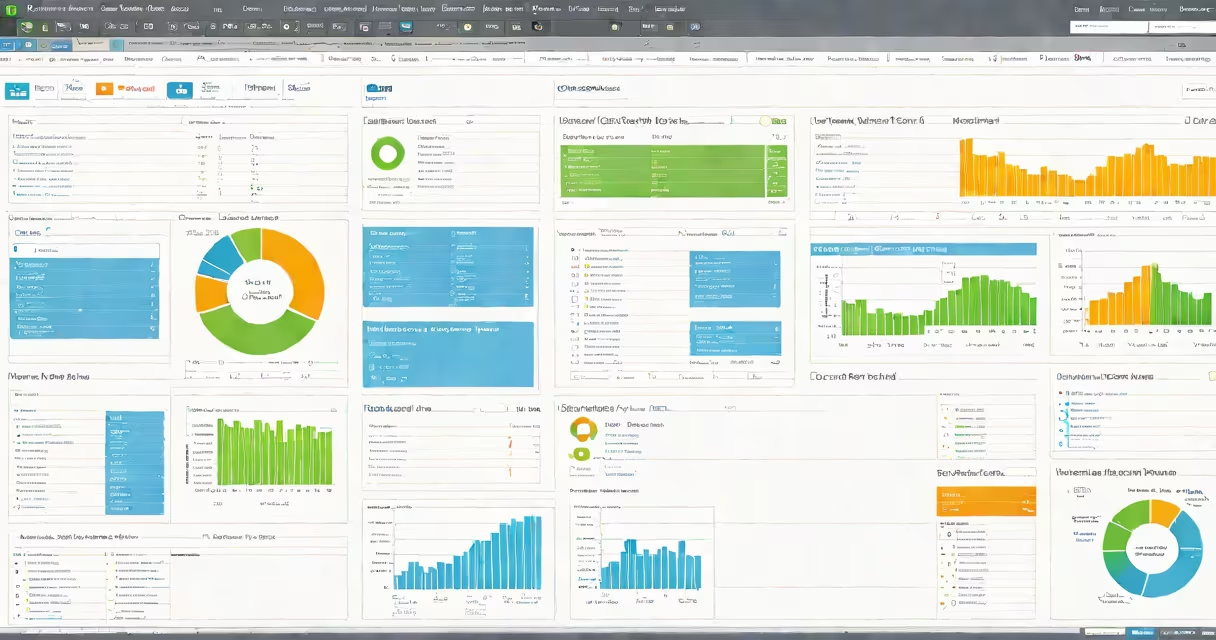
VMware Capacity Planner is a tool that analyzes virtualized environments to forecast resource requirements, helping organizations improve their VMware infrastructure. It collects performance data from existing systems to model future capacity needs.
The tool gathers data from virtual machines (VMs) and hosts, then applies statistical models to predict future resource demands. It considers historical usage patterns, growth trends, and business requirements to generate recommendations for resource allocation.
For example, if a company plans to deploy 50 new VMs in the next quarter, VMware Capacity Planner can estimate the additional CPU, memory, and storage needed while ensuring existing workloads remain unaffected.
A retail company preparing for a holiday sales surge, for instance, might use the tool to ensure its e-commerce platform can handle increased traffic without requiring last-minute infrastructure changes.
| Feature | VMware Capacity Planner | Alternative Tool |
|---|---|---|
| Data Source | vSphere environments | Various cloud providers |
| Forecasting Method | Statistical modeling | Machine learning |
| Primary Use Case | On-premises VMware environments | Multi-cloud environments |
While some alternatives focus on multi-cloud environments, VMware Capacity Planner specializes in optimizing on-premises VMware deployments. It integrates smoothly with vCenter, making it a preferred choice for organizations already using VMware products.
To maximize the tool's effectiveness, organizations should:
I once helped a financial services firm reduce its VMware infrastructure costs by 20% after using VMware Capacity Planner to identify underutilized resources. The tool's recommendations allowed them to consolidate workloads onto fewer hosts, cutting both hardware and licensing expenses.
VMware Capacity Planner is essential for organizations looking to improve their virtualized environments efficiently. By using its forecasting capabilities, businesses can avoid costly over-provisioning while ensuring their infrastructure meets future demands.