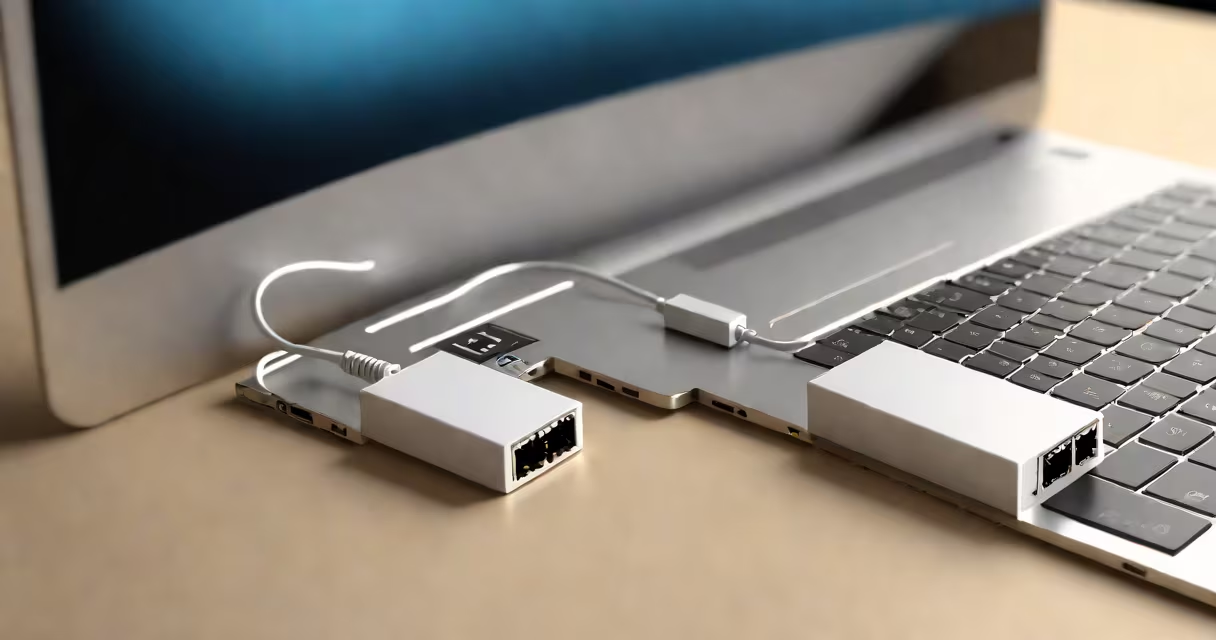
An Ethernet adapter is a hardware device that enables wired internet connections by converting data between a computer and an Ethernet cable. These adapters typically plug into a USB port and provide an RJ45 port for connecting Ethernet cables.
Ethernet adapters function as translators between your device and the network. They convert digital data from your computer into electrical signals that travel through Ethernet cables, and vice versa. This process ensures stable, high-speed data transmission.
Most adapters support speeds up to 1 Gbps, though some newer models offer 2.5 Gbps or even 10 Gbps for high-performance applications. They often include LEDs to indicate connection status and data activity.
| Type | Interface | Typical Speed | Use Case |
|---|---|---|---|
| USB Ethernet Adapter | USB-A or USB-C | 100 Mbps to 10 Gbps | Laptops, tablets, gaming consoles |
| PCIe Ethernet Card | PCI Express slot | 1 Gbps to 10 Gbps | Desktops, servers |
| Thunderbolt Ethernet Adapter | Thunderbolt 3/4 | 1 Gbps to 10 Gbps | High-performance workstations |
Ethernet adapters are ideal for situations requiring stable, high-speed connections. Gamers often use them to reduce latency, while professionals working with large files benefit from the reliability of wired connections. They're also useful when Wi-Fi signals are weak or inconsistent.
For example, if you're streaming 4K video or participating in video conferences, an Ethernet adapter can prevent buffering and lag. Similarly, online multiplayer gamers often use adapters to gain a competitive edge through lower ping times.
I've personally used a USB Ethernet adapter to improve my home office setup. My laptop's Wi-Fi connection was unreliable due to interference from other devices. After adding the adapter and connecting via Ethernet, my internet speeds doubled, and video calls became crystal clear.
Setting up an Ethernet adapter is straightforward. For USB adapters, simply plug the device into an available USB port, connect an Ethernet cable from your router to the adapter's RJ45 port, and your device should automatically recognize the new connection. Some adapters may require driver installation, which usually involves downloading software from the manufacturer's website.
For PCIe cards, you'll need to open your computer case, insert the card into an available PCIe slot, and secure it. After reinstalling the case cover, connect the Ethernet cable and install any necessary drivers.
While Ethernet adapters generally provide faster and more stable connections than Wi-Fi, their performance depends on several factors. The quality of your Ethernet cable matters - Cat 5e supports up to 1 Gbps, while Cat 6 can handle up to 10 Gbps. Also, ensure your router or modem supports the speeds your adapter can.
Ethernet connections are generally more secure than Wi-Fi. Wired connections are harder to intercept, making them less vulnerable to hacking attempts. This makes Ethernet adapters a good choice for handling sensitive data or financial transactions.
According to a study by Wired, wired connections experience fewer interruptions and have lower latency than wireless connections, making them ideal for applications requiring consistent, reliable performance.