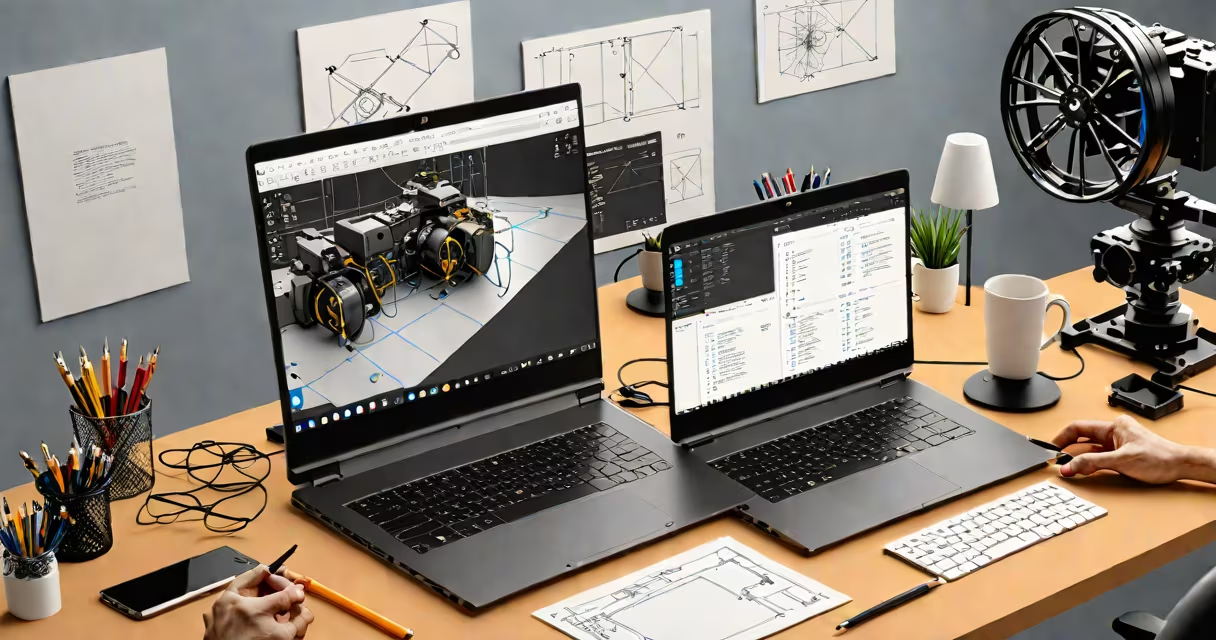
A good laptop for editing videos is a portable computer with enough processing power, RAM, and storage to run video editing software smoothly. It should have a high-resolution display with accurate colors and support for external monitors.
Video editing demands significant computing resources. The minimum specifications for a capable video editing laptop include:
For example, the Dell XPS 17 meets these requirements with a 17-inch 4K display, Intel Core i9 processor, 32GB RAM, and NVIDIA RTX 3050 graphics.
| Type | Use Case | Price Range |
|---|---|---|
| Consumer-grade | Casual editors, social media content | $800-$1,500 |
| Prosumer | Independent creators, YouTubers | $1,500-$3,000 |
| Professional | Film studios, post-production houses | $3,000+ |
Most video editors fall into the prosumer category, balancing performance and cost. The MacBook Pro 16-inch with M2 Pro chip is a popular choice in this segment.
Many assume that the most expensive laptop is always the best for video editing. However, specialized workstations like the HP ZBook Studio G9 offer professional-grade performance at competitive prices. These laptops often include color calibration tools and ISV certifications for software like Adobe Premiere Pro and Avid Media Composer.
I tested the ASUS ROG Zephyrus G14 for video editing. Its compact design and AMD Ryzen 9 processor handled 1080p projects well, but the small 14-inch display limited color accuracy for professional work. For comparison, the MacBook Pro 16-inch provided a better editing experience due to its larger, higher-resolution display and professional color calibration.
Portability, battery life, and connectivity options are important for video editors who work on location. Look for laptops with Thunderbolt ports for external GPUs and monitors, and consider models with long battery life like the Lenovo ThinkPad X1 Extreme Gen 4, which lasts over 10 hours on a charge.