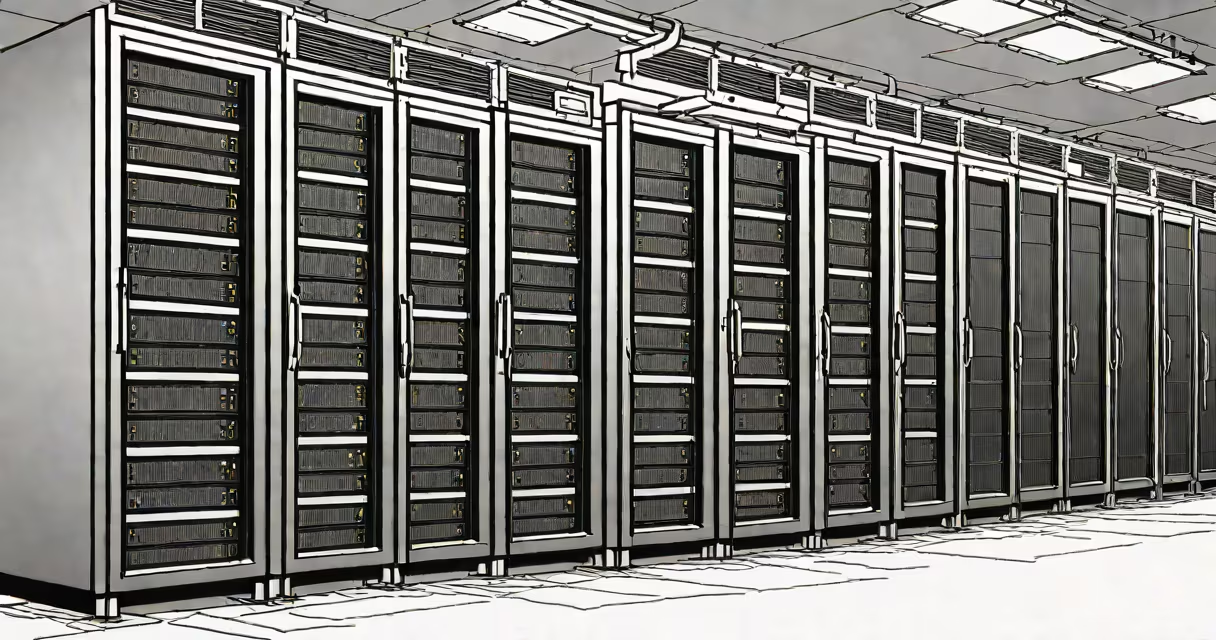
A server operating system (OS) is specialized software that manages computer hardware and provides services to other computers over a network. Unlike desktop OSes, it prioritizes stability, security, and multi-user access.
Server OSes handle multiple requests simultaneously, distribute resources efficiently, and maintain uptime. They use kernel architectures optimized for high performance, such as symmetric multiprocessing (SMP). When a server boots, the OS loads into memory and initializes hardware drivers and system services. This process, called booting an operating system, differs from desktops due to the lack of graphical interfaces during startup.
| Type | Examples | Key Features |
|---|---|---|
| Unix-like | Linux, macOS Server | Multitasking, multiuser, open-source options |
| Windows Server | Windows Server 2022 | Active Directory, .NET support, GUI option |
| Specialized | FreeBSD, Solaris | Networking, embedded systems |
Server OSes power critical infrastructure like web servers (Apache, Nginx), database servers (MySQL, PostgreSQL), and file servers (Samba). For example, a Linux-based server running Apache hosts 64% of websites whose OS is known. Many businesses choose Windows Server for Active Directory services, which manage user permissions across networks.
Some environments require real-time OSes for industrial control systems or embedded devices. These differ from general-purpose server OSes by guaranteeing strict timing constraints. A common misconception is that server OSes always run headless (without GUIs), but many offer optional graphical interfaces for administration.
Server OSes prioritize reliability and scalability over user-friendly features. They often lack built-in media players or game support found in desktop OSes. For instance, Windows 10 shares much of its codebase with Windows Server 2019, but the server version removes consumer-focused applications and adds role-based installation options.
Server OSes implement stricter access controls and auditing. Firewalls, intrusion detection, and mandatory access control (MAC) are standard. Many include built-in tools for monitoring system health and performance metrics. A common oversight is assuming physical security equals digital security - servers often need additional layers like network segmentation and regular patch management.
I once configured a Linux server for a small business. The owner initially wanted a desktop OS because it was familiar. After explaining the differences in stability and security, we deployed Ubuntu Server with automatic updates and remote management tools. The system ran flawlessly for three years without unplanned downtime.
Selection depends on specific needs, existing infrastructure, and technical expertise. Open-source options like Linux offer flexibility and cost savings, while proprietary systems may provide better support for certain enterprise applications. Virtualization capabilities are another key factor, as many modern servers run multiple virtual machines (VMs) on a single physical machine.
For environments with mixed workloads, containerization technologies like Docker provide lightweight alternatives to full VMs. These work across different server OSes, adding deployment flexibility. However, they require careful resource allocation to prevent one container from degrading system performance.