Basic computing refers to fundamental skills and knowledge required to operate a computer system, including understanding hardware, software, and basic operations. It forms the foundation of digital literacy.
Basic computing encompasses three primary areas: hardware, software, and basic operations.
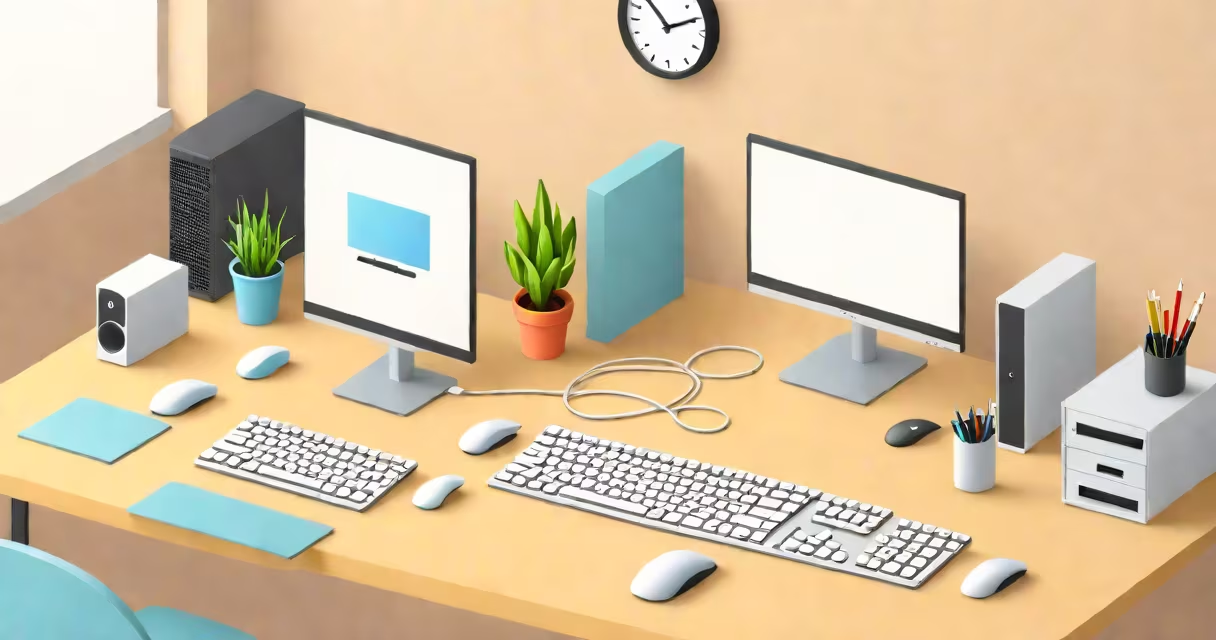
Hardware includes physical components like the central processing unit (CPU), memory (RAM), storage devices, and input/output devices. For example, a typical desktop computer has a monitor, keyboard, mouse, and tower case containing internal parts.
Software consists of programs and applications that run on hardware. Operating systems (OS) like Windows, macOS, and Linux manage hardware resources. Application software includes word processors, web browsers, and media players. A common misconception is that software is only about applications; however, it also includes system software like device drivers and utilities.
Basic operations involve tasks such as turning on/off a computer, using a mouse and keyboard, and going through an OS. For instance, knowing how to open and close applications, save files, and use basic shortcuts like Ctrl+C (copy) and Ctrl+V (paste) are essential.
Understanding basic computing is important for daily tasks, education, and employment. According to the Pew Research Center, 81% of adults in the U.S. use the internet daily, making basic computing skills necessary for online activities like banking, shopping, and communication.
Many people confuse basic computing with advanced topics like programming or network administration. While those are important, basic computing focuses on foundational skills everyone needs to interact with computers effectively.
Another mistake is assuming basic computing is only for beginners. Even experienced users benefit from reviewing fundamentals, especially when learning new devices or software versions.
To begin learning basic computing, start with hands-on practice. Turn on a computer, explore the desktop environment, and try basic tasks like creating a folder or opening an application. Online resources like GCFLearnFree offer free courses on computer basics.
For a deeper examine sustainable tech practices, explore green computing techniques that reduce energy consumption and e-waste.
Basic computing provides the essential skills needed to use computers effectively in daily life. By understanding hardware, software, and basic operations, anyone can build a strong foundation for more advanced computing skills.