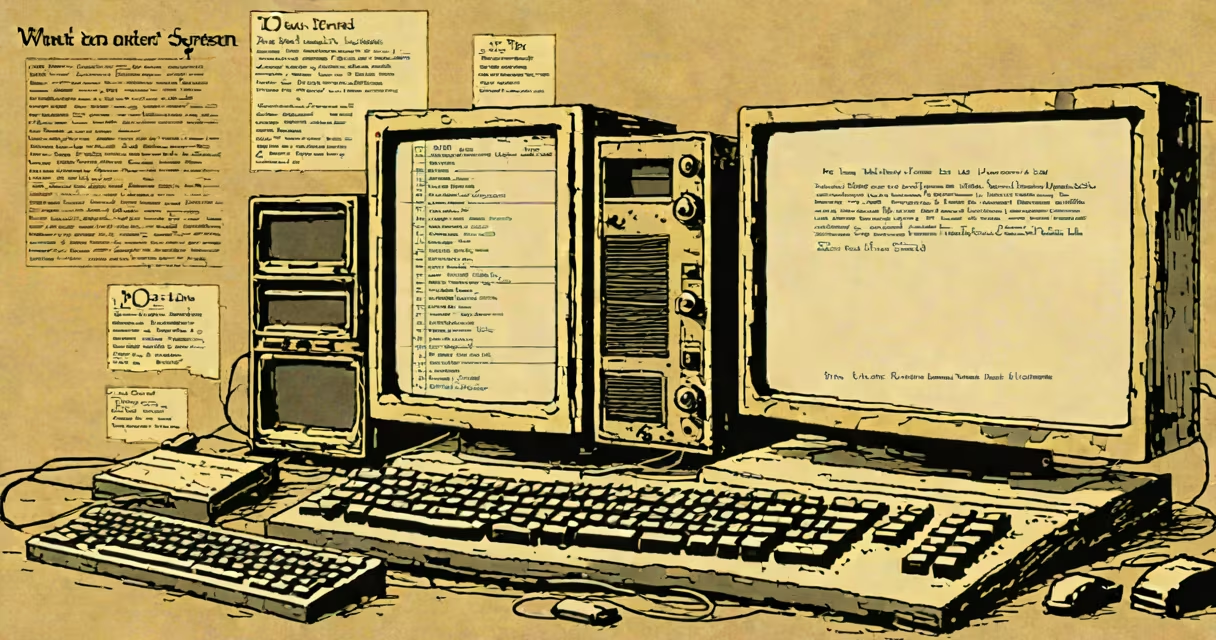
A DOS computer system is a disk operating system that manages files and runs programs using text-based commands. It lacks a graphical user interface, relying instead on a command-line interface (CLI) where users type instructions to perform tasks.
DOS systems operate through a command-line interface, where users input text commands to execute functions. These commands are processed by the operating system, which then performs the requested actions. For example, typing "DIR" lists directory contents, while "COPY" duplicates files.
The system loads into memory from a storage device, typically a floppy disk or hard drive. It manages hardware resources and provides an environment for running applications. Unlike modern operating systems, DOS does not support multitasking or a graphical interface.
| Type | Description | Example |
|---|---|---|
| IBM PC DOS | Developed by IBM for their personal computers | IBM PC DOS 1.0 (1981) |
| MS-DOS | Microsoft's version, widely used on IBM-compatible PCs | MS-DOS 6.22 (1994) |
| DR-DOS | Third-party DOS developed by Digital Research | DR-DOS 7.03 (1998) |
DOS systems were primarily used for business applications, word processing, and early software development. They were the foundation for many early personal computers and served as a platform for running basic applications before the widespread adoption of graphical user interfaces.
For example, early versions of Microsoft Word and Excel ran on DOS. Programmers also used DOS for coding in languages like BASIC, Pascal, and C. The simplicity and efficiency of DOS made it suitable for these tasks.
Many people confuse DOS with being entirely outdated, but it still has niche applications today. Some embedded systems and legacy equipment continue to use DOS-like environments for their simplicity and reliability.
Another common mistake is assuming all DOS systems are the same. Different versions, such as IBM PC DOS and MS-DOS, had variations in commands and features. For instance, MS-DOS included additional utilities and better memory management compared to earlier versions.
I once used a DOS system to recover data from an old floppy disk. The process involved booting from a DOS disk, using command-line tools to copy files, and transferring them to a modern system. This experience highlighted the robustness of DOS for specific tasks, despite its limitations.