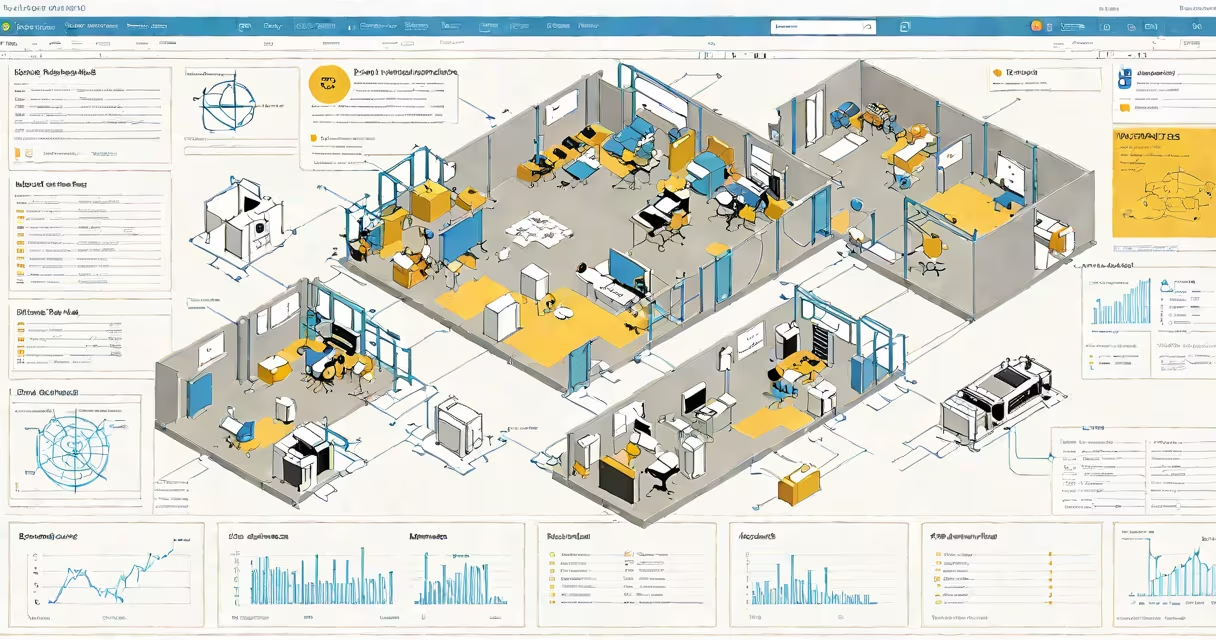
EIC stands for Enterprise Information Center, a template in Microsoft SharePoint designed to create centralized dashboards displaying key business data.
The EIC template provides a structure for building dashboards using SharePoint web parts. These web parts connect to various data sources across your organization, pulling information into a single interface. The system uses SharePoint's page layout features to arrange these components.
An EIC typically includes:
Organizations use EICs for:
| Scenario | Example Implementation |
|---|---|
| Executive Dashboards | Display KPIs from multiple departments in a single view |
| Project Management | Track project status across teams with integrated task lists |
| Customer Portals | Provide customers access to their account information and support resources |
Many confuse EIC with other SharePoint templates. Unlike basic team sites, EICs focus on aggregating information rather than collaboration. They differ from publishing portals which emphasize content management. EICs serve as informational hubs rather than transactional systems.
For example, a retail company might use an EIC to display sales performance charts alongside inventory levels and customer support metrics - all updating in real-time from their various business systems.
Successful EIC implementations require:
According to Microsoft's documentation, EIC templates provide the foundation for building these dashboards, but organizations must configure them to meet specific business needs.
A well-implemented EIC becomes the central nervous system of an organization, providing real-time visibility into operations and enabling data-driven decision making at all levels.