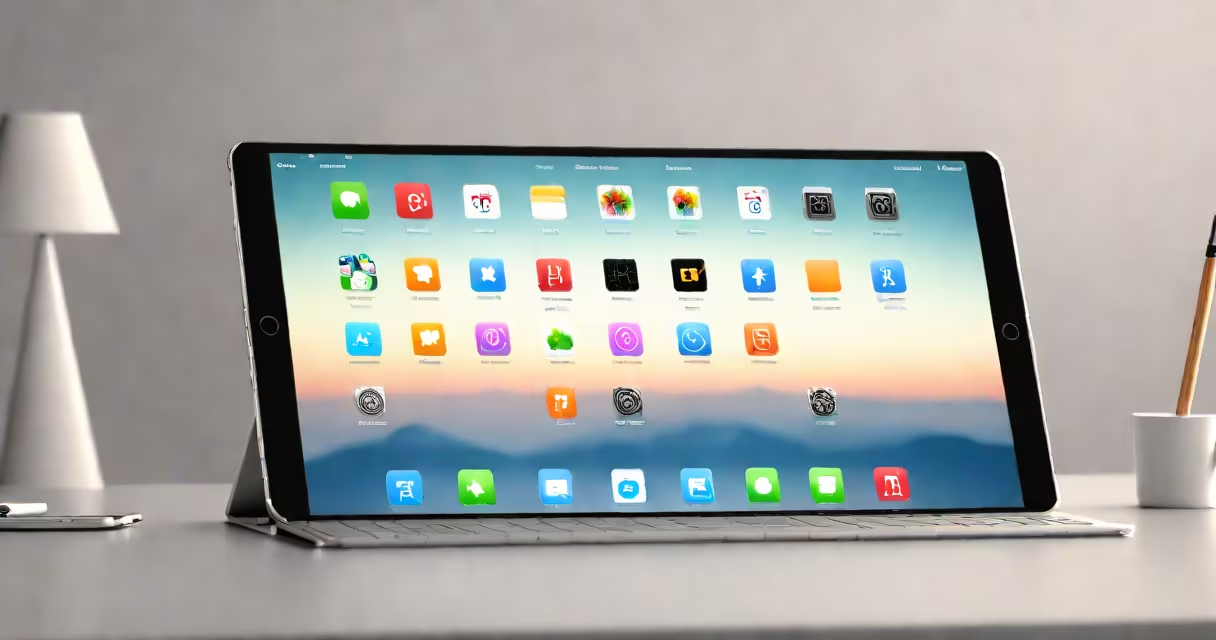
The dock on iPad is a customizable bar at the bottom of your screen that holds frequently used apps and folders. It provides quick access to your most important tools, making navigation faster and more efficient.
The dock appears at the bottom of every home screen and app screen. You can add up to six app icons or folders to it. When you swipe left or right on the dock, you can access additional pages of apps or folders. This feature helps your most-used apps are always within reach, regardless of which screen you're on.
The dock offers several key features:
The dock is particularly useful for:
One common misconception is that the dock can only hold apps. In reality, you can also place folders in the dock, which can contain multiple apps. This allows for even greater organization and efficiency. Another mistake is thinking the dock is limited to the home screen. It actually appears on every screen, including within apps, making it a useful tool for multitasking.
To customize your dock, follow these steps:
For example, I recently reorganized my dock to include my Notes app, Calendar app, and a folder containing my favorite productivity tools. This setup allows me to quickly access these essential apps from any screen, streamlining my workflow and saving time.