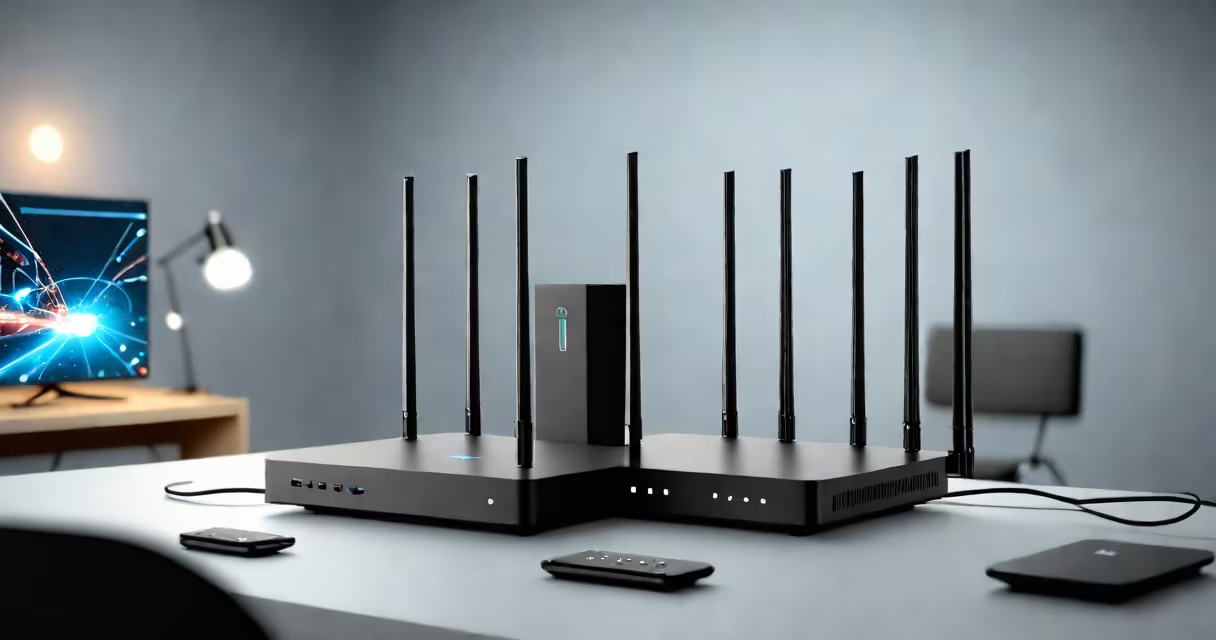
The best wifi for gaming provides low latency, high bandwidth, and stable connections to reduce lag and packet loss during gameplay. This requires specific hardware, network settings, and sometimes wired connections.
Gaming wifi relies on minimizing latency (ping) and maximizing bandwidth. Latency measures the time data takes to travel between your device and the game server. High latency causes lag, while low bandwidth leads to packet loss. The best wifi for gaming optimizes both.
Most online games require at least 10 Mbps for smooth gameplay. However, competitive multiplayer games like Counter-Strike 2 or Call of Duty benefit from speeds exceeding 50 Mbps. High-bandwidth connections ensure fast downloads and updates, while low-latency connections provide real-time responsiveness.
| Type | Key Features | Best For |
|---|---|---|
| Gaming Routers | Dedicated processing, QoS settings, multiple antennas | Multiplayer and competitive gaming |
| Mesh Networks | Wide coverage, smooth roaming, multiple nodes | Large homes with multiple devices |
| Powerline Adapters | Uses electrical wiring, stable connection, no interference | Hard-to-reach areas with poor wifi signals |
Gaming wifi is essential for online multiplayer games, live-streaming gameplay, and downloading large game files. It's commonly used in homes with multiple players or streamers who need reliable, high-speed connections. Many gamers prefer wired connections via Ethernet for the lowest latency, but wireless options work well when optimized correctly.
Many people assume that any high-speed internet connection works for gaming. However, speed alone doesn't guarantee low latency. A 1 Gbps connection with high latency can cause lag, while a 100 Mbps connection with low latency may perform better.
To set up the best wifi for gaming, start by placing your router near your gaming setup to minimize signal interference. Connect your gaming console or PC directly to the router using an Ethernet cable for the lowest latency. If a wired connection isn't possible, use a gaming router with QoS settings to prioritize gaming traffic.
Next, configure your router's settings to allocate bandwidth to gaming devices. Disable bandwidth-heavy applications like video streaming or large file downloads during gameplay. Finally, test your connection using tools like PingPlotter to monitor latency and packet loss.