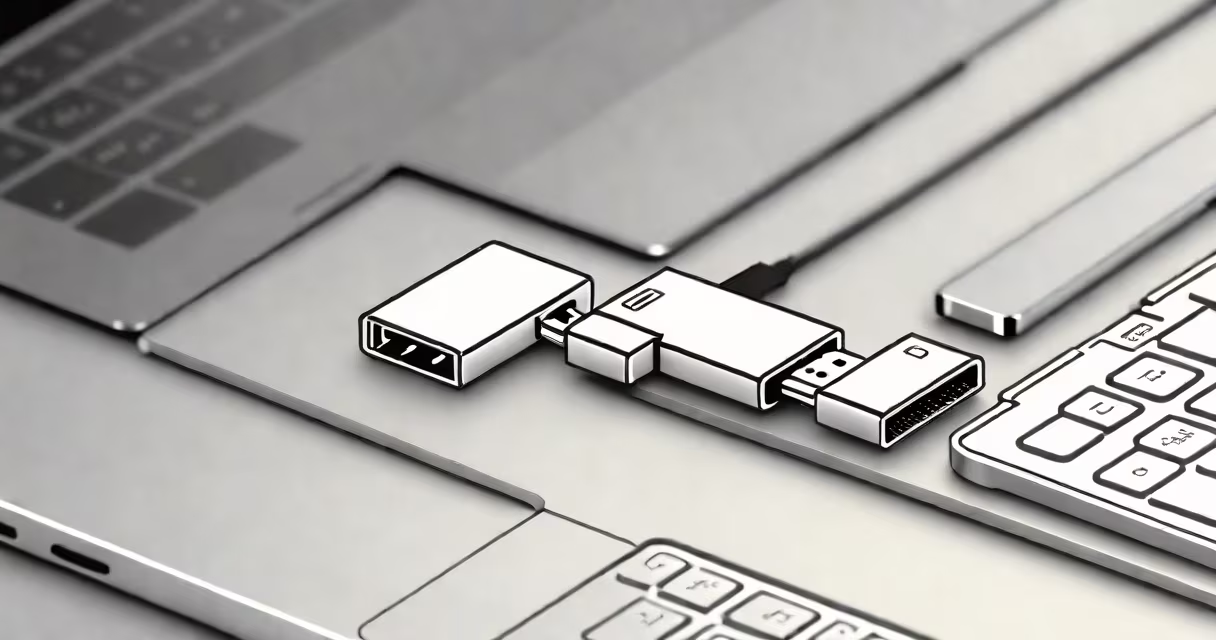
A USB-C connector is a small, oval-shaped port that transfers power and data between devices. It's reversible, meaning it works no matter which side is inserted.
USB-C uses a 24-pin design, supporting higher data transfer rates and power delivery compared to older USB standards. It can handle up to 240 watts of power and 40 gigabits per second of data transfer.
| Type | Key Feature | Example Device |
|---|---|---|
| Standard USB-C | Basic data and power transfer | Smartphones, tablets |
| USB-C with Power Delivery | Supports fast charging | Laptops, power banks |
| USB-C with DisplayPort Alt Mode | Transmits video signals | Monitors, gaming consoles |
USB-C is widely adopted due to its versatility and efficiency. It's used in smartphones, laptops, tablets, and even some cars. Its compact size and high performance make it ideal for modern devices.
Many manufacturers prefer USB-C because it simplifies production by reducing the number of different ports needed. For consumers, it means fewer cables and adapters.
Some people think USB-C is just another name for USB 3.0 or Thunderbolt. However, USB-C is a physical connector standard, while USB 3.0 and Thunderbolt are protocols that can run over USB-C.
Another misconception is that all USB-C ports support the same features. In reality, the capabilities depend on the device and its internal hardware. For example, a USB-C port on a smartphone might not support the same power delivery as one on a laptop.
I recently helped a friend set up a new laptop that only had USB-C ports. We needed to connect it to an external monitor, a keyboard, and a mouse. Using a single USB-C hub, we connected all peripherals and even charged the laptop simultaneously. The convenience of USB-C made the setup much simpler than with older USB standards.
For more details on USB standards, check out our guide on USB 2.0 vs. USB 3.0.