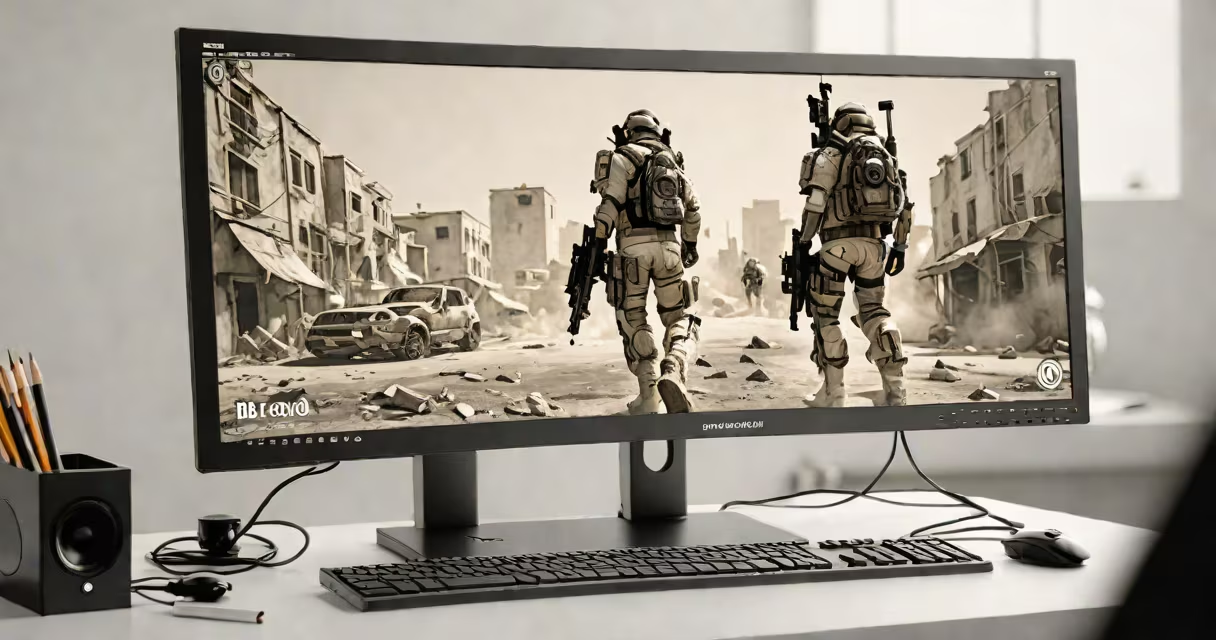
Professional gamers typically use monitors with refresh rates between 144Hz and 360Hz, response times under 1ms, and resolutions ranging. These specifications minimize motion blur and input lag, giving players a split-second advantage in fast-paced games.
High-refresh-rate monitors display more frames per second than standard screens, creating smoother motion. A 240Hz monitor, for example, shows 240 distinct images every second, while a 60Hz monitor only shows 60. This difference is important in competitive games like Counter-Strike or League of Legends, where reaction time determines success.
Low response times prevent ghosting, where pixels lag behind fast-moving objects. A 1ms response time helps every movement on-screen is crisp and immediate. Combined with high refresh rates, this creates a near-perfect representation of the game's action.
| Refresh Rate (Hz) | Response Time (ms) | Resolution | Common Games |
|---|---|---|---|
| 144Hz-165Hz | 1ms-3ms | 1920×1080 (1080p) | MOBA, FPS, fighting games |
| 240Hz-280Hz | 0.5ms-1ms | 1920×1080 (1080p) | FPS, battle royale, sports games |
| 360Hz | 0.5ms | 1920×1080 (1080p) | Competitive FPS, esports |
Most pro gamers prefer 1080p resolution because it balances performance and clarity. Higher resolutions like 1440p or 4K are less common due to increased demand on hardware, though they are gaining traction in certain esports scenes.
Esports tournaments and professional setups prioritize these monitors because they reduce input lag-the delay between a player's action and the screen's response. For example, the ESL Gaming World Championship uses 240Hz monitors to ensure fairness and precision.
At home, pro gamers often pair these monitors with high-end GPUs and useful PCs to maximize frame rates. A 360Hz monitor paired with a GPU that outputs 360 frames per second provides the smoothest possible gameplay.
Many people assume that higher resolution is always better for gaming. However, in competitive play, refresh rate and response time matter more. A 1080p monitor at 360Hz will feel far more responsive than a 4K monitor at 60Hz.
Another myth is that only FPS games benefit from high-refresh monitors. While shooters like Valorant see the biggest improvements, fast-paced games like fighting titles (Street Fighter VI) and racing games (iRacing) also gain from reduced input lag.
The LG UltraGear 27GR95QE is a popular choice among pros. It features a 27-inch OLED panel with a 240Hz refresh rate, 0.03ms response time, and 1440p resolution. Its OLED technology provides deeper blacks and brighter colors than traditional LCDs, making it ideal for both competitive and casual play.
I tested this monitor in a local Call of Duty tournament. The difference was immediate-enemies moved more smoothly, and my aim felt more precise. The OLED panel also reduced eye strain during long sessions, a common issue with lower-quality screens.
According to Display Lag, this monitor has one of the lowest input lags on the market, making it a favorite among professionals.