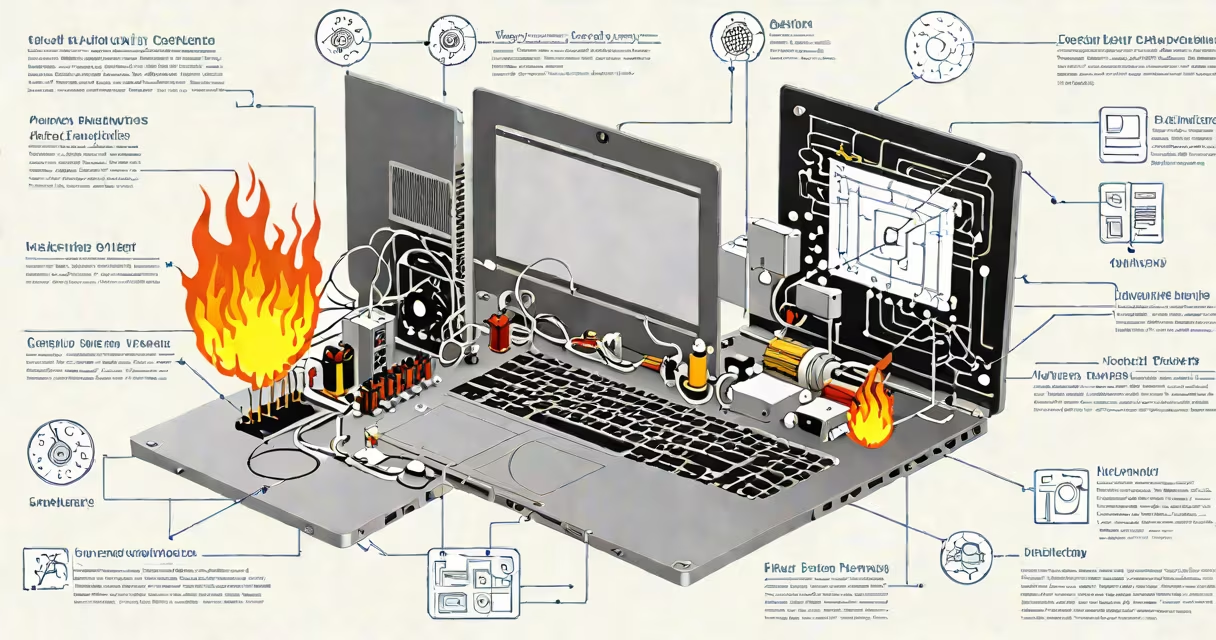
Overheating occurs when your device generates more heat than its cooling system can handle, often due to blocked vents, intensive tasks, or failing hardware. Most modern devices have safety mechanisms to shut down when temperatures exceed safe limits.
How Overheating Works
Heat is a natural byproduct of electrical resistance in components like the CPU and GPU. When these parts work hard, they generate more heat. If airflow is restricted or cooling systems fail, heat builds up, potentially damaging components over time.
Main Causes of Overheating
Several factors contribute to overheating:
Blocked Vents: Dust or debris can clog air vents, preventing proper airflow. For example, a laptop placed on a soft surface like a bed can block its vents entirely.
Intensive Tasks: Running demanding software like video games or rendering programs increases heat output. A gaming laptop running a high-end game may overheat if it lacks adequate cooling.
Failing Hardware: Malfunctioning fans or dried-out thermal paste between the CPU and its cooler can lead to overheating. A desktop PC with a faulty fan may run hotter than normal.
Ambient Temperature: High room temperatures can exacerbate overheating. A laptop left in direct sunlight will struggle to cool down.
Common Misconceptions
Many people believe that overheating is solely due to hardware issues. However, software can also play a role. For instance, a background process consuming excessive CPU resources can cause overheating even if the hardware is functioning correctly. Always check task managers for unusual activity.
How to Prevent Overheating
To keep your device cool, follow these steps:
Clean Vents Regularly: Use compressed air to remove dust from vents. I once cleaned my laptop's vents and reduced its temperature by 20°F.
Use Cooling Pads: For laptops, a cooling pad with fans can improve airflow.
Monitor Temperatures: Software like HWMonitor can track component temperatures in real-time.
Replace Thermal Paste: Every few years, reapply thermal paste between the CPU and its cooler to ensure efficient heat transfer.
Avoid Soft Surfaces: Place laptops on hard surfaces to allow proper ventilation.
If your device continues to overheat despite these measures, consult a professional technician. Persistent overheating can shorten the lifespan of your device and lead to permanent damage. A local repair shop can diagnose and fix underlying hardware issues.