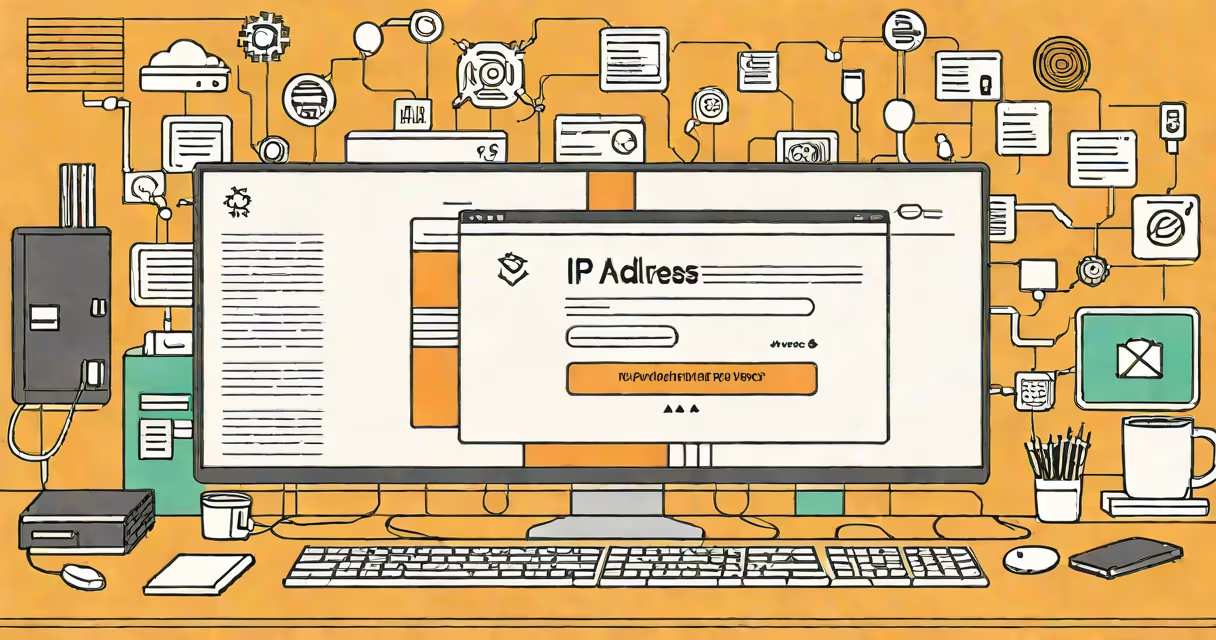
Your IP address may be visible because it's assigned by your internet service provider (ISP) to identify your device on networks. Unlike static addresses, changing ones change periodically.
An IP address functions as a unique identifier for devices on a network, allowing data to reach the correct destination. IPv4 addresses, like 192.168.1.1, are 32-bit numbers, while IPv6 addresses, such as 2001:0db8:85a3:0000:0000:8a2e:0370:7334, are 128-bit and support far more devices.
| Type | Description | Example |
|---|---|---|
| Public IP | Assigned by ISPs to identify devices on the public internet | 74.125.224.74 |
| Private IP | Used within local networks (e.g., home Wi-Fi) | 192.168.1.1 |
| Static IP | Fixed address that doesn't change | 203.0.113.5 |
| Changing IP | Temporary address that changes periodically | 169.254.1.10 |
ISPs use IP addresses to manage network traffic and provide services. Websites use them to deliver content efficiently and prevent abuse. However, they can also reveal your approximate location, which is why understanding what to do with an IP address is important.
To find your public IP address, visit a site like WhatIsMyIPAddress.com. For your private IP, open Command Prompt on Windows and type "ipconfig," or on macOS, open Terminal and type "ifconfig."
I once needed to troubleshoot a slow connection and discovered my public IP had changed due to my ISP assigning a new changing address. This helped me understand how often these addresses can update.