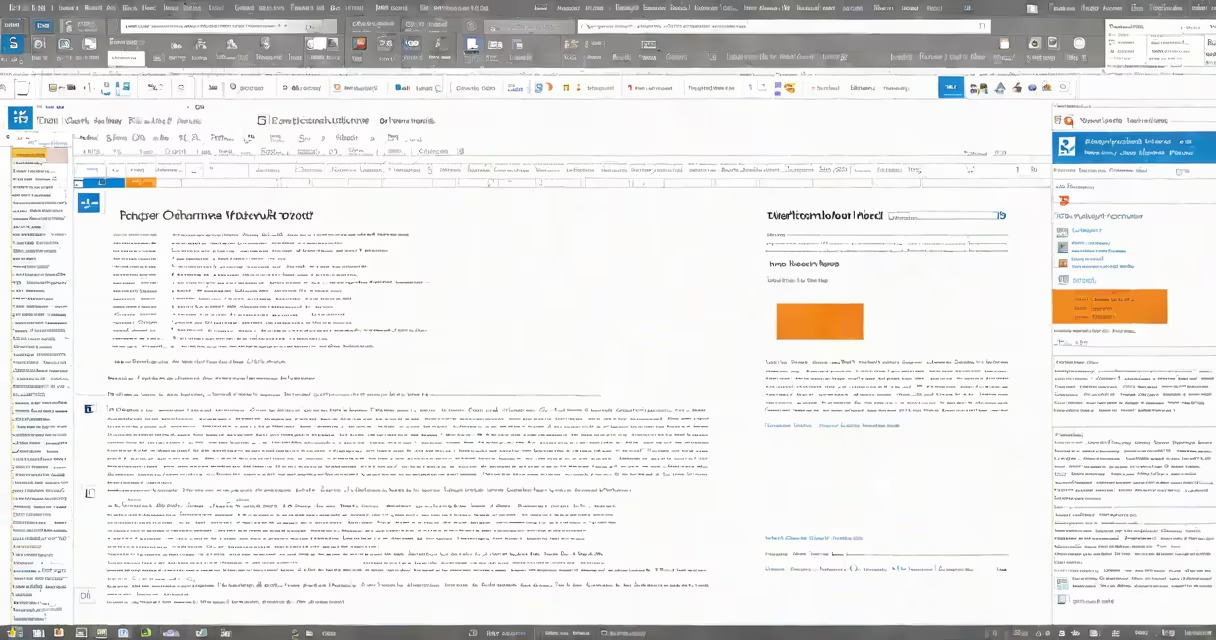
Windows Word Online is Microsoft's free web-based version of Word, accessible through a browser without installing software. It offers core editing features while saving files to OneDrive.
Word Online operates through your web browser, storing documents in OneDrive. You access it via office.live.com or through OneDrive. The interface resembles desktop Word but lacks advanced features like mail merge or complex formatting.
Word Online supports basic formatting, tables, and sharing. Real-time collaboration with others is possible. However, it lacks advanced features like macros, complex layouts, or certain add-ins available in the desktop version.
Word Online suits users needing basic editing, collaboration, or access across devices. It's ideal for students, small businesses, or anyone without constant internet access to install software. For advanced features, the desktop version remains necessary.
Many assume Word Online equals the full desktop version. While similar, it lacks advanced features. Another misconception is that offline editing is impossible-though limited, offline access exists through OneDrive sync.
I tested Word Online for collaborative work. My team edited a shared document simultaneously with minimal lag, though we missed some desktop features like Track Changes history. For our needs, it worked well enough.
For those seeking alternatives, Google Docs offers solid online editing with strong collaboration features. LibreOffice Writer provides a free, open-source desktop alternative. Both lack Microsoft Word's full feature set but serve different needs effectively.