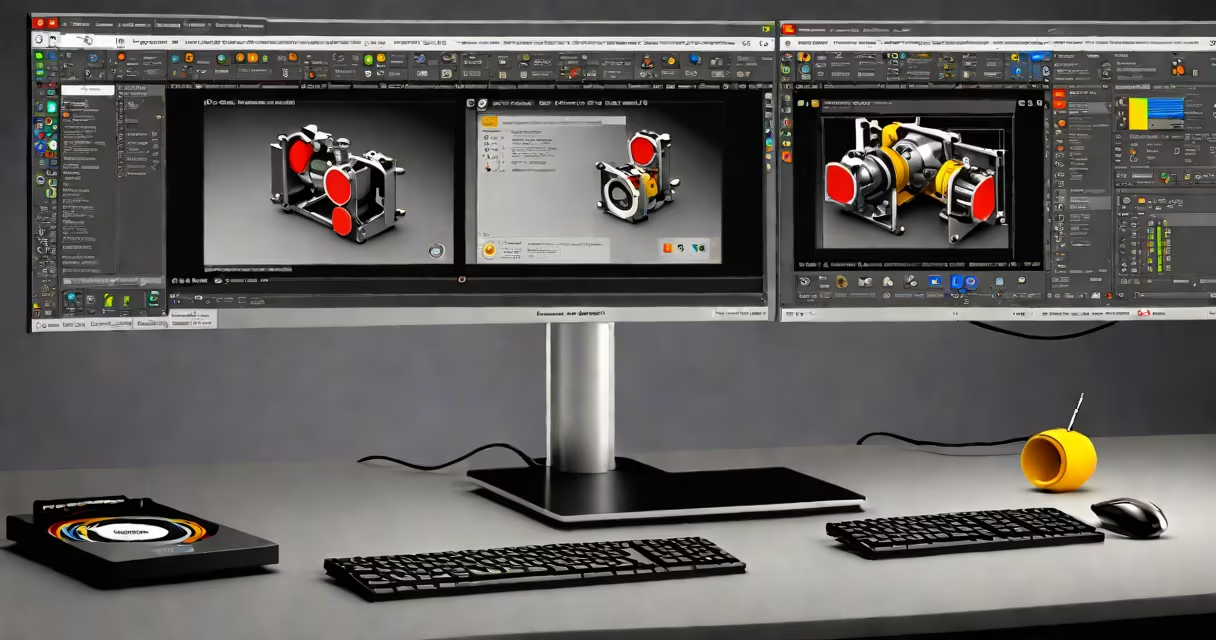
A computer aided design certification is a credential proving proficiency in CAD software, typically awarded after passing an exam or completing coursework. These programs validate skills in creating technical drawings, 3D models, and product designs using industry-standard tools.
Most certifications require candidates to complete training through approved programs, then pass a hands-on exam demonstrating their skills. For example, Autodesk offers certifications for AutoCAD, Revit, and Fusion 360, while SolidWorks provides credentials for its 3D modeling software. Exams often include both multiple-choice questions and practical exercises.
Certification levels vary by program. Some offer basic, intermediate, and advanced certifications, while others provide specialized credentials for specific industries like architecture or manufacturing. The process typically takes weeks to months, depending on the candidate's prior experience and the program's requirements.
| Software | Issuing Organization | Typical Focus Areas |
|---|---|---|
| AutoCAD | Autodesk | 2D drafting, 3D modeling, parametric design |
| Revit | Autodesk | Building information modeling (BIM), architectural design |
| SolidWorks | Dassault Systèmes | Mechanical design, simulation, product development |
| Fusion 360 | Autodesk | Cloud-based CAD/CAM, collaborative design |
Employers across industries value CAD certifications because they demonstrate a job candidate's ability to use complex design software effectively. According to the U.S. Bureau of Labor Statistics, employment of drafters is projected to grow 7%, with certified professionals often having an advantage in hiring processes.
Certifications are particularly important in fields like mechanical engineering, architecture, and industrial design, where precise technical drawings and 3D models are essential. Many employers require or prefer candidates with certifications for roles involving CAD software.
Certified professionals often earn higher salaries than their non-certified peers. A 2022 salary survey by PayScale found that certified CAD designers earned an average of $6,000 more annually than those without certifications.
One frequent misunderstanding is that certifications are only valuable for beginners. In reality, experienced professionals can benefit from advanced certifications to demonstrate mastery of new software versions or specialized features. Another misconception is that certifications replace formal education. While valuable, they typically complement degrees rather than replace them.
Certifications also aren't limited to specific age groups or career stages. Professionals at any point in their careers can pursue certifications to update their skills or transition to new specialties within CAD design.
I've observed this firsthand while working with design teams. Senior designers pursuing advanced certifications often gain new insights into software capabilities they hadn't explored previously, leading to new solutions in their projects.
Understand the specific requirements for your desired certification. Some programs require prior experience or completion of prerequisite courses. Research the exam format and create a study plan that covers all necessary topics.
Consider joining professional organizations like the American Design Drafting Association (ADDA), which offers resources and networking opportunities for CAD professionals. These groups often provide information about certification programs and industry trends.
Remember that certifications require ongoing maintenance. Most programs require periodic renewal through continuing education or retesting to ensure professionals stay current with software updates and industry standards.