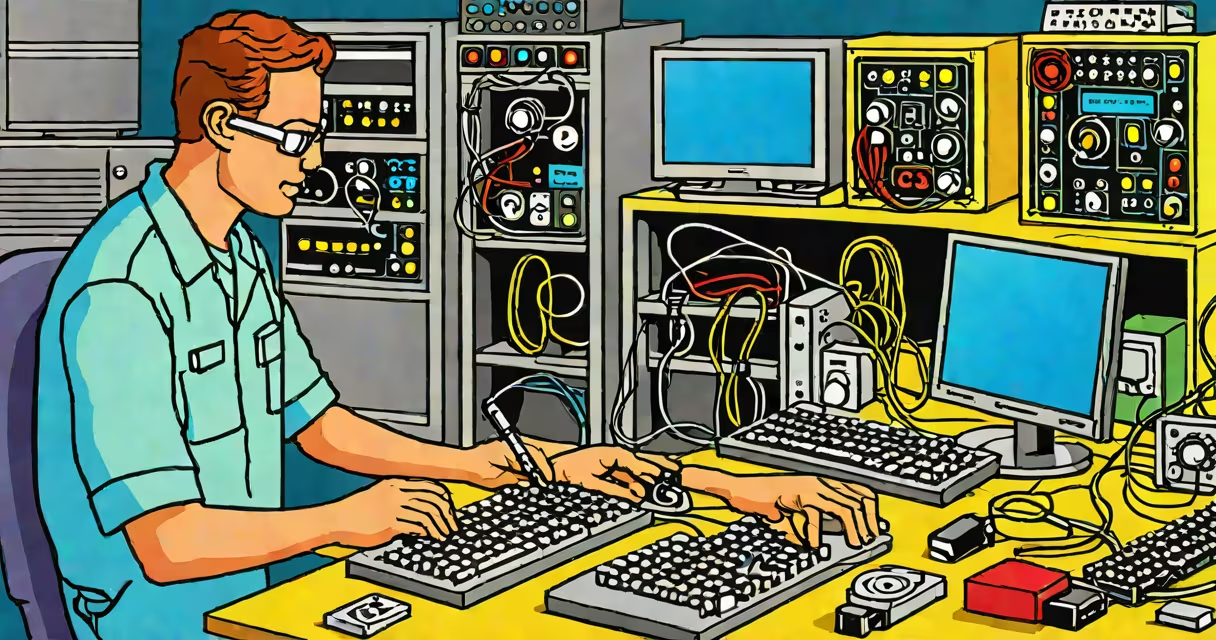
Computer diagnostic hardware consists of specialized tools and devices that identify, analyze, and report hardware issues in computers. These tools help ensure optimal performance and reliability by detecting problems early.
Diagnostic hardware operates by interfacing with a computer's components to measure performance metrics, detect faults, and verify functionality. Tools like multimeter, POST cards, and hardware analyzers connect to specific parts to gather data. For example, a multimeter measures voltage levels in power supplies, while a POST card tests motherboard components during boot-up.
| Type | Function | Example |
|---|---|---|
| POST Cards | Tests motherboard components during boot-up | BIOS POST Card |
| Hardware Analyzers | Analyzes specific components like RAM or hard drives | RAM Tester |
| Multimeters | Measures voltage, current, and resistance | Digital Multimeter |
| Cable Testers | Verifies network cable integrity | Network Cable Tester |
Computer diagnostic hardware is essential in IT departments, repair shops, and data centers. IT professionals use these tools to troubleshoot hardware failures, prevent system crashes, and maintain performance. For instance, a data center might use diagnostic hardware to monitor server health and replace failing components before they cause downtime.
In my experience, diagnostic hardware saved a client's business by identifying a failing power supply before it caused data loss. Regular diagnostics can prevent costly repairs and extend hardware lifespan.
Many people confuse diagnostic hardware with software-based diagnostics. While software tools like benchmarks and system monitors are useful, they can't physically test hardware connections or measure electrical properties. Hardware diagnostics provide a deeper level of analysis by directly interfacing with components.
Another misconception is that diagnostic hardware is only for technicians. However, many tools are designed for end-users, such as USB testers and cable analyzers, which help users verify hardware functionality without technical expertise.
Selecting the right diagnostic hardware depends on the specific needs and components being tested. For basic troubleshooting, a multimeter and POST card are sufficient. For advanced diagnostics, specialized analyzers for RAM, hard drives, or network cables are necessary. Always choose tools compatible with the hardware being tested to ensure accurate results.
Computer diagnostic hardware is indispensable for anyone involved in IT support, system maintenance, or hardware repair. By using the right tools, professionals can ensure systems run smoothly and efficiently.