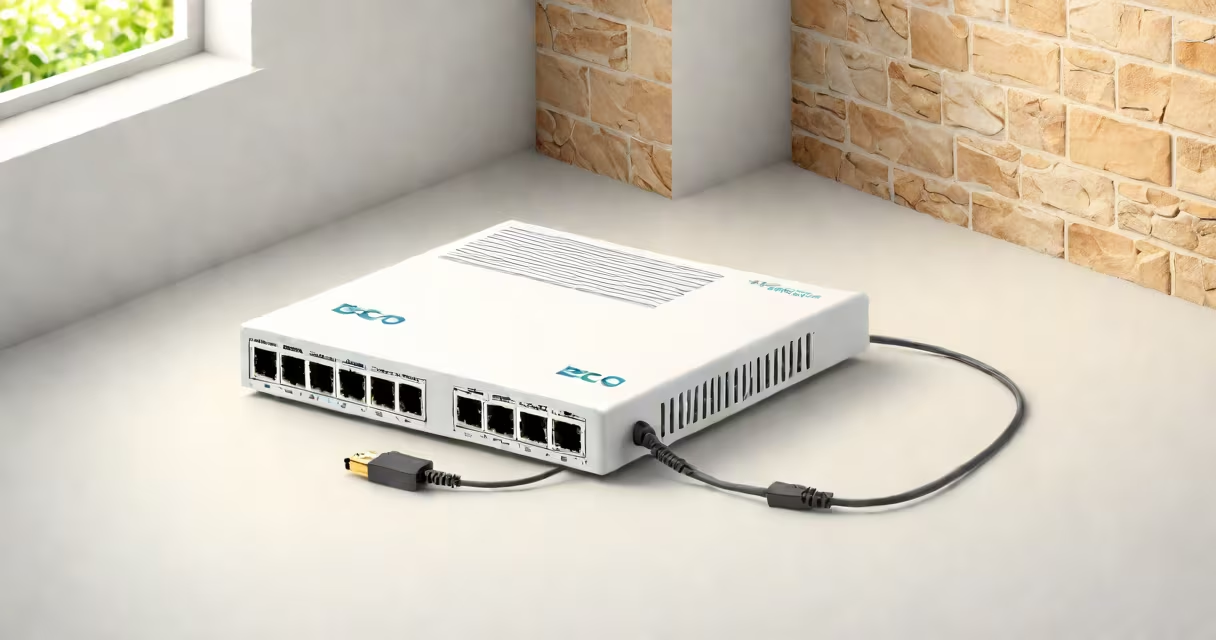
The Deco X50 PoE is a Wi-Fi 6 mesh router from TP-Link that uses Power over Ethernet (PoE) to simplify installation and reduce cable clutter. It combines multiple units to create a smooth wireless network.
Each Deco X50 PoE unit connects to a wired network via Ethernet and receives power through the same cable, eliminating the need for separate power adapters. The units work together to create a unified network with a single network name and password.
Wi-Fi 6 technology provides faster speeds, better performance in crowded areas, and improved efficiency for devices that support the standard. The system supports up to 6 devices and covers up to 6,000 square feet.
The Deco X50 PoE includes several key features:
Businesses and homes with existing Ethernet wiring benefit most from the Deco X50 PoE. It's ideal for spaces where running separate power cables would be difficult or unsightly. The system provides reliable coverage for smart home devices, streaming, gaming, and video conferencing.
For example, a retail store with existing Ethernet drops could place Deco X50 PoE units throughout the space to provide consistent Wi-Fi coverage for customers and staff without needing additional power outlets.
Some users confuse the Deco X50 PoE with standard routers or assume it requires special PoE injectors. However, the system includes built-in PoE support, allowing direct connection to any standard Ethernet port.
Another misconception is that PoE reduces performance. In reality, the Deco X50 PoE maintains full Wi-Fi 6 speeds while using PoE, as verified by TP-Link's testing.
To set up a Deco X50 PoE system:
I installed a Deco X50 PoE system in a small office building with existing Ethernet wiring. The setup took about 20 minutes, and employees noticed immediate improvements in video call quality and file transfer speeds.