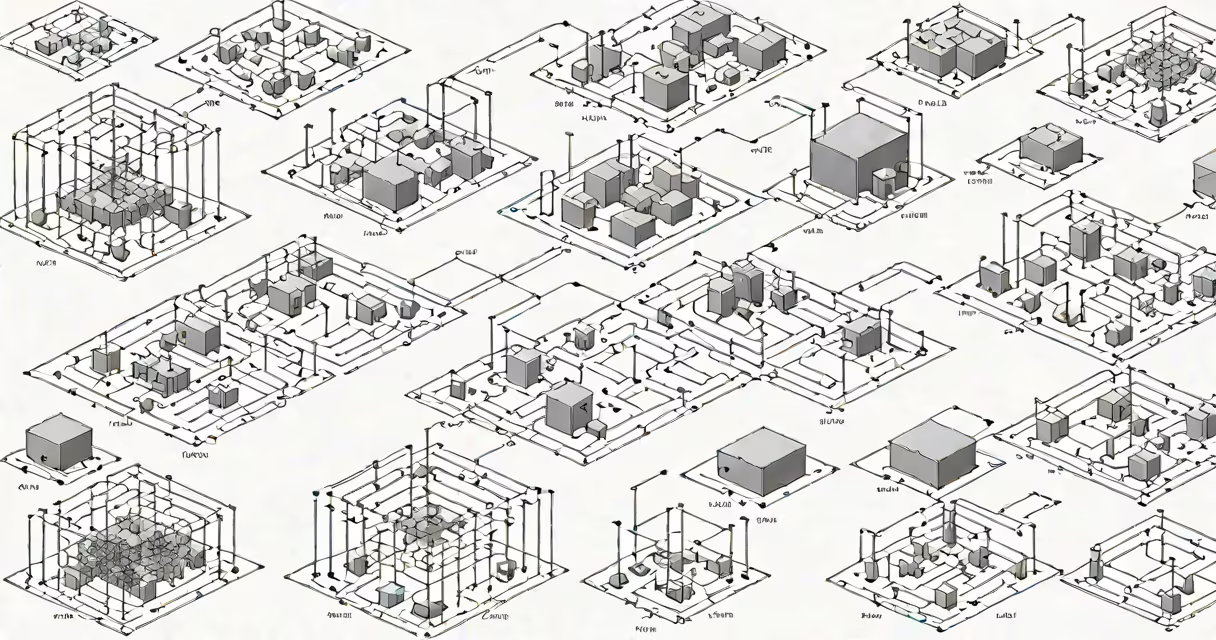
Network topology refers to the physical or logical layout of devices in a computer network, defining how they connect and communicate.
Topology determines how data flows between devices. Physical topology describes actual cable connections, while logical topology shows how data moves through the network. For example, a star topology connects all devices to a central hub, while a mesh topology connects each device to multiple others.
| Type | Description | Example Use Case |
|---|---|---|
| Star | All devices connect to a central hub or switch | Office LANs |
| Mesh | Each device connects to multiple others | Wireless sensor networks |
| Bus | All devices connect to a single communication line | Older Ethernet networks |
| Ring | Each device connects to exactly two others, forming a circle | Token Ring networks |
| Hybrid | Combination of two or more topologies | Large enterprise networks |
Network topologies are used in various settings, from small home networks to large corporate systems. The choice depends on factors like cost, performance, and scalability. Star topologies are popular in offices due to their simplicity and ease of troubleshooting. Mesh networks excel in environments requiring high reliability, such as wireless sensor networks for environmental monitoring.
According to Cisco, choosing the right topology can impact network performance and maintenance costs. A well-designed topology ensures efficient data flow and minimizes downtime. For instance, a mesh topology provides redundancy, meaning if one connection fails, data can still route through alternative paths.
Many people confuse physical and logical topologies. Physical topology describes the actual layout of cables and devices, while logical topology defines how data flows through the network. For example, a network might have a star physical topology but a ring logical topology, as in early Token Ring networks that used star-wired configurations.
Another misconception is that hybrid topologies are always better. While they offer flexibility, they can also introduce complexity and potential points of failure. For example, combining a star and bus topology might create bottlenecks if not properly managed.
When designing an office network, a star topology is often chosen for its simplicity. Each computer connects to a central switch, which manages data flow. This setup allows for easy addition or removal of devices without disrupting the entire network. For instance, adding a new computer only requires connecting it to the switch, unlike in a bus topology where the entire network might need reconfigured.
I once helped set up a small office network using a star topology. We connected all computers to a central switch and configured the network for optimal performance. The setup was straightforward, and troubleshooting was easy because isolating issues was simple. The network performed reliably, demonstrating the practical advantages of a well-chosen topology.
For more complex scenarios, such as setting up a wireless network in a large building, a mesh topology might be more appropriate. Each access point connects to multiple others, ensuring smooth coverage and redundancy. This setup is particularly useful in environments where signal strength can vary, such as warehouses or multi-story buildings.
Understanding different network topologies helps in selecting the right one for specific needs. Whether for a small office or a large-scale enterprise, the right topology ensures efficient and reliable network performance.