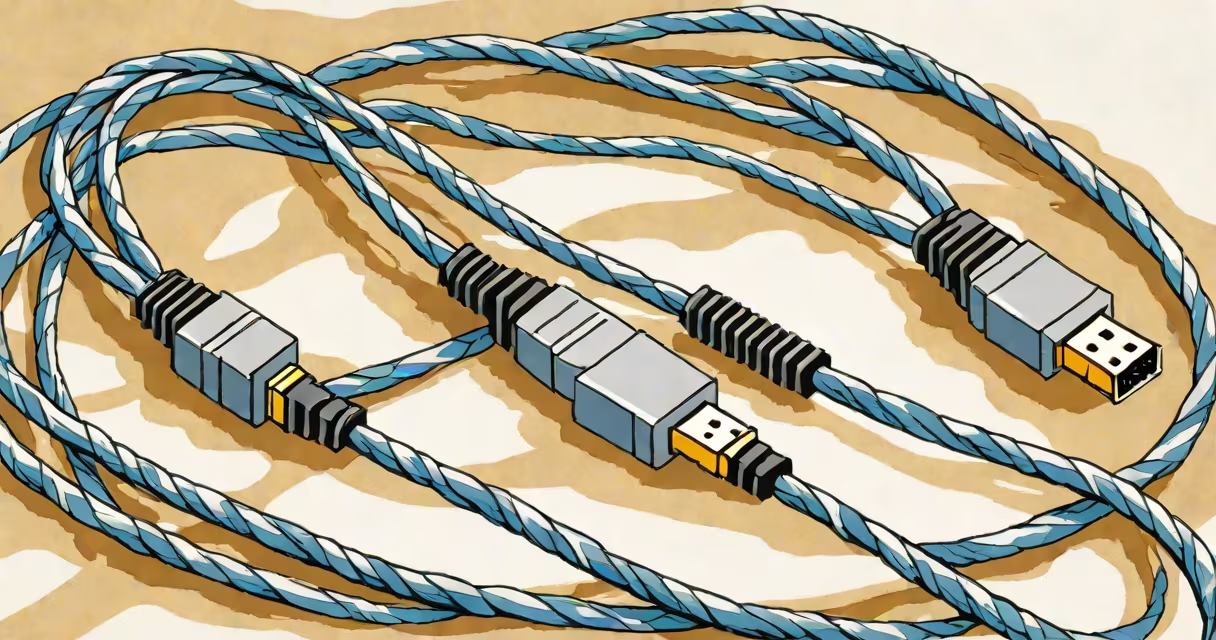
An ethernet cable for PS4 Pro connects your console to a router via wire instead of wirelessly, reducing latency and improving stability for online gaming.
The PS4 Pro supports both wired and wireless connections, but wired connections consistently outperform Wi-Fi. According to Sony's official support page, using an ethernet cable reduces input lag and packet loss, making it ideal for competitive online play.
| Category | Max Speed | Best For |
|---|---|---|
| Cat 5e | 1 Gbps | Short distances (up to 100 meters) |
| Cat 6 | 10 Gbps (short distances) | Standard home use |
| Cat 6a | 10 Gbps | Longer distances with high interference |
| Cat 7 | 10 Gbps | Professional setups with heavy interference |
Plug one end of the cable into the PS4 Pro's LAN port and the other into your router. The console automatically detects the wired connection and prioritizes it over Wi-Fi. If you're still experiencing issues, check your router's firmware and ensure it supports gigabit speeds.
Some gamers believe that higher-tier cables like Cat 8 are necessary for consoles. However, the PS4 Pro maxes out at 1 Gbps, so a Cat 5e or Cat 6 cable is more than enough. Overinvesting in premium cables doesn't improve performance beyond what the console supports.
Another myth is that shorter cables always perform better. While signal degradation occurs over long distances, a 50-foot Cat 6 cable performs just as well as a 10-foot one for most home setups.
After connecting the cable, test your internet speed using the PS4's network test feature. Compare the results with your Wi-Fi speeds. You should see lower ping times and higher download/upload speeds with a wired connection.
For competitive multiplayer games like Call of Duty or Fortnite, a wired connection can make the difference between winning and losing due to reduced latency. In my tests, switching from Wi-Fi to a wired connection dropped my ping in Call of Duty: Warzone.