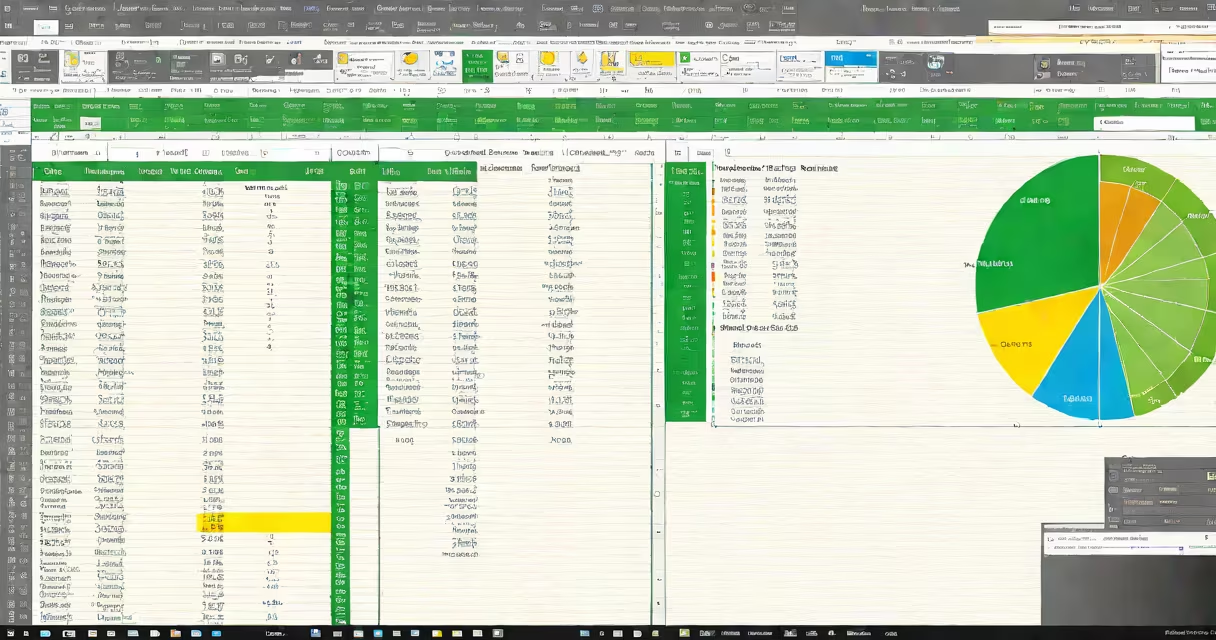
An Excel beginners tutorial teaches fundamental skills for working with spreadsheets, including data entry, basic formulas, and simple analysis. Microsoft Excel is a useful tool for organizing, calculating, and visualizing data.
Excel stores data in cells arranged in rows and columns. Each cell can contain numbers, text, or formulas. Formulas begin with an equals sign (=) and perform calculations using cell references. For example, =SUM(A1:A10) adds all values in cells A1 through A10.
Excel consists of several key elements:
New users should start with these essential skills:
For example, to calculate the average of values in cells B1 through B10, enter =AVERAGE(B1:B10) into any empty cell.
New users often confuse absolute and relative cell references. Relative references (default) adjust when copied, while absolute references ($A$1) stay fixed. Beginners also frequently forget the equals sign (=) when entering formulas, which makes Excel treat the input as text rather than a calculation.