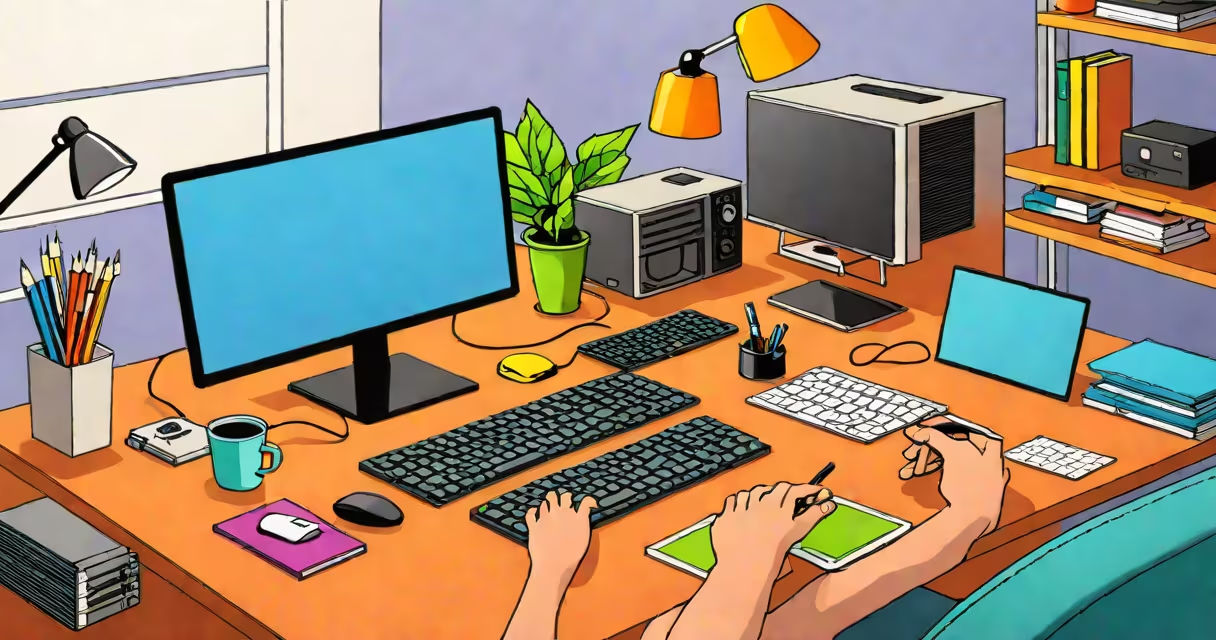
A new computer setup involves connecting hardware, installing the operating system, transferring files, and adding essential software. This process ensures your device is ready for immediate use.
Begin by connecting peripherals like the monitor, keyboard, and mouse. Plug the power cord into both the computer and the wall outlet. Turn on the computer by pressing the power button. Most computers will automatically begin the initial setup process.
If your computer didn't come with an operating system pre-installed, you'll need to install it manually. For Windows, insert the installation media and follow the prompts. For macOS, the setup process is straightforward and guides you through each step. Linux users may need to create a bootable USB drive and follow specific instructions for their chosen distribution.
To transfer files from an old computer, use an external hard drive, cloud storage, or a direct network connection. For settings, many operating systems offer migration tools. On Windows, use the User State Migration Tool. Mac users can use Migration Assistant to transfer data from another Mac or a Time Machine backup.
Install essential software like web browsers, office suites, and security programs. For example, install Google Chrome or Firefox for browsing, Microsoft Office or LibreOffice for productivity, and antivirus software like Bitdefender or Norton. Consider adding media players, development tools, and any specialized software you need for work or personal projects.
Personalize your desktop by setting a wallpaper, adjusting display settings, and customizing the taskbar or dock. Create user accounts for family members or colleagues if needed. Adjust system preferences like power settings, privacy options, and default applications.
Set up user accounts with strong passwords. Enable two-factor authentication for added security. Install and run antivirus software, and consider enabling a firewall. Regularly update your operating system and installed software to protect against vulnerabilities.
Once these steps are complete, your new computer is ready for use. Regular maintenance, such as cleaning temporary files and defragmenting the hard drive, will keep it running smoothly.