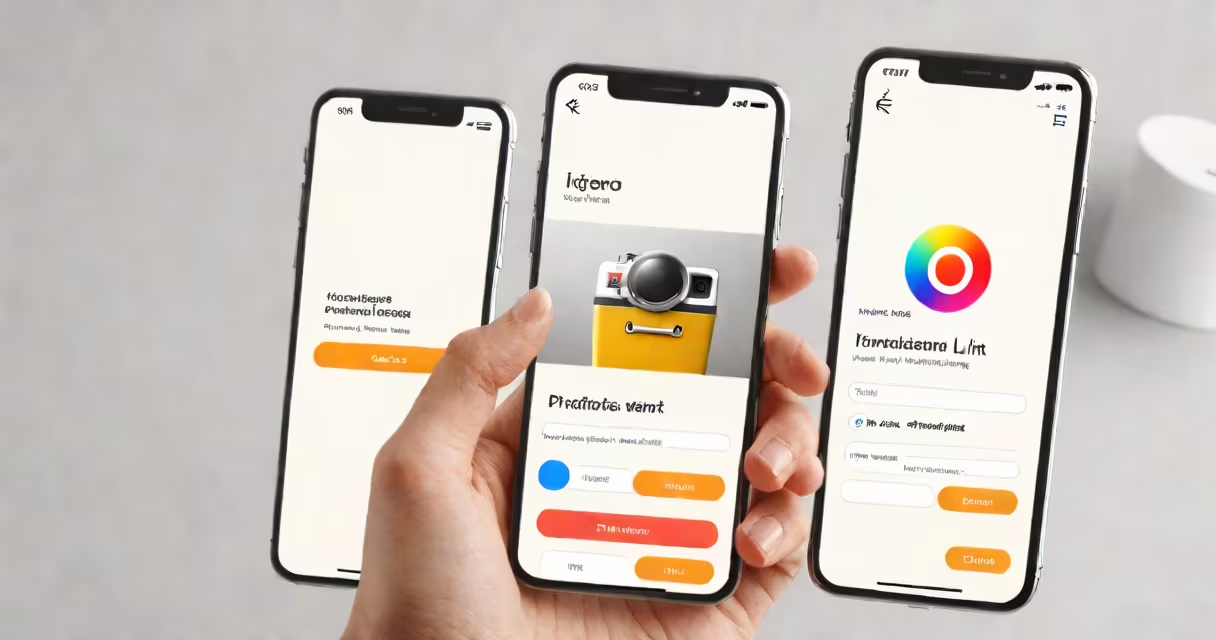
To get your Instagram profile link, open the Instagram app, go to your profile, tap the three-line menu, select "Share profile," then choose "Copy Link." This copies your profile URL to your clipboard.
Your Instagram profile link is essential for sharing your profile with others. growing your following, having easy access to your profile link makes sharing smooth. Without it, you'd have to rely on others finding you manually, which is inefficient and unreliable.
Every Instagram account has a unique URL that follows this format: instagram.com/username/. When someone clicks this link, they're taken directly to your profile. This link works on both mobile devices and desktop computers, making it versatile for sharing across different platforms.
There are several ways to share your Instagram profile link:
Many people make the mistake of sharing their Instagram username instead of the full profile link. While usernames are necessary, they aren't clickable links. Always ensure you're sharing the full URL (instagram.com/username/) to make it easy for others to visit your profile.
Let's say you want to share your Instagram profile with a potential client. Here's how you can do it:
By following these steps, you ensure the client can easily access your Instagram profile with just one click.
When I first started using Instagram for my business, I struggled to get clients to find my profile. After discovering the "Copy Link" feature, sharing my profile became effortless. I noticed a significant increase in profile visits and followers within a week of actively sharing my link.
If you're looking to grow your Instagram following or connect with more people, knowing how to get your Instagram profile link is a major change. Start sharing your link today and watch your network grow.