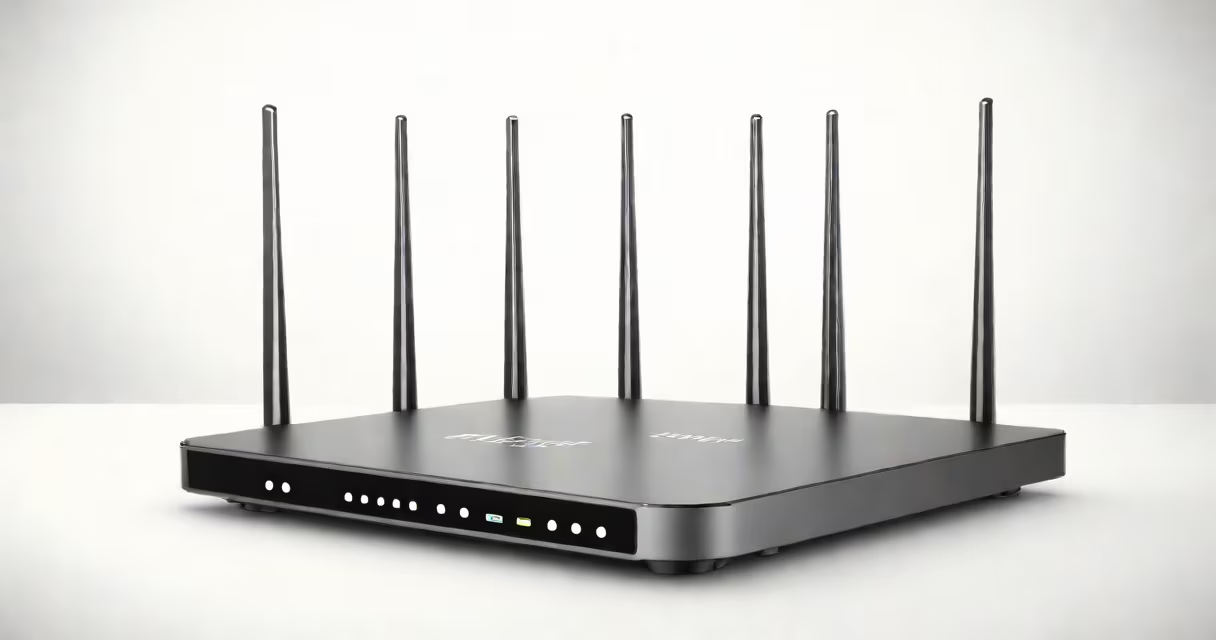
Setting up a wifi network involves connecting a wireless router to your modem and configuring its security settings. This process typically takes 20-30 minutes with basic equipment.
You'll need:
Plug your modem into a power source and connect it to your computer via an ethernet cable. Wait for the modem to fully boot up (indicated by steady lights).
Use an ethernet cable to connect the modem's LAN port to the router's WAN or internet port. Power on the router and wait for it to initialize (usually 1-2 minutes).
Open a web browser and enter the router's default IP address (often 192.168.1.1 or 192.168.0.1). Log in using the default username and password (check the router's manual if unsure).
Go through to the wireless settings section. Here, you'll name your network (SSID) and set a strong password. Avoid using personal information in the SSID.
Select WPA3 as your encryption method if available; otherwise, use WPA2. Create a password with at least 12 characters, including uppercase letters, numbers, and symbols.
Save your settings and reboot the router. After it restarts, connect your devices to the new wifi network using the password you set.
Many people place their router in a closet or behind furniture, which weakens the signal. For best performance, place the router in a central location away from walls and large objects.
Another mistake is using weak passwords or leaving the default network name unchanged. Customizing these details improves security and makes your network harder to target.
If your network isn't working, start by checking all connections. Ensure the modem and router are powered on and the cables are secure. Restart both devices if needed.
If you're still having trouble, check your router's admin interface for firmware updates. Outdated firmware can cause connectivity issues.
Change your router's default login credentials immediately after setup. Use a unique username and a strong password to prevent unauthorized access.
Enable the firewall on your router if available. This adds an extra layer of protection against cyber threats.