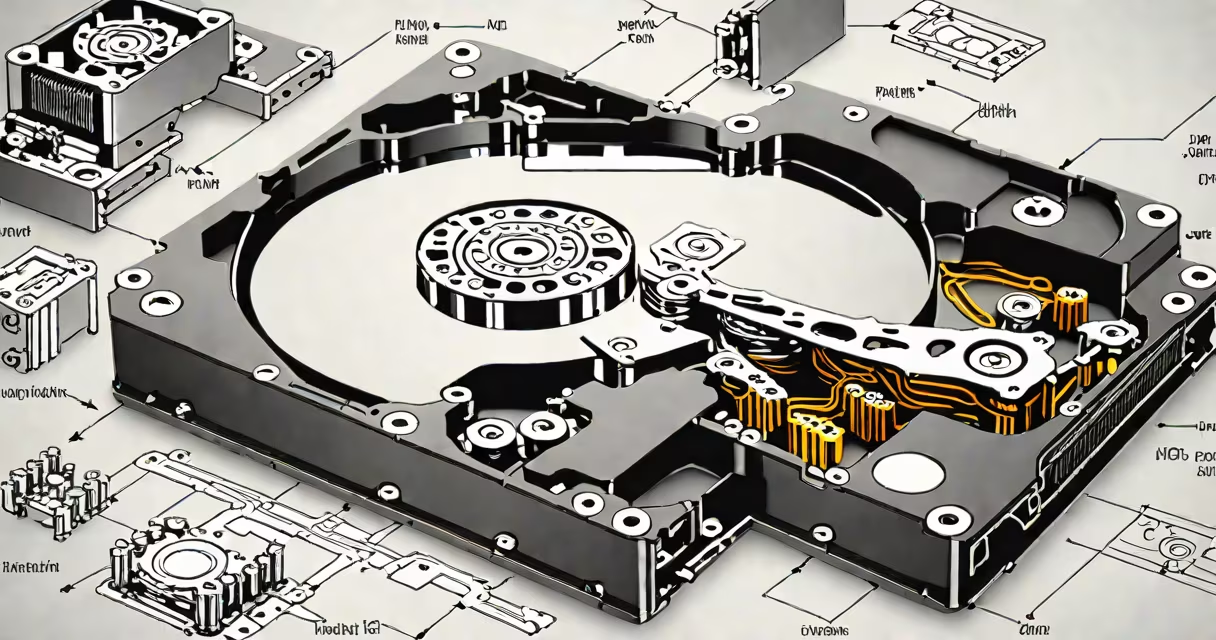
A **HDD** (hard disk drive) is a computer storage device that uses magnetic storage to record and retrieve digital information. These drives contain spinning platters coated with magnetic material, allowing them to store large amounts of data at relatively low costs.
HDDs operate using a moving read/write head that floats above the spinning platters. The head converts electrical signals into magnetic pulses, which alter the magnetization of the platter surface. To read data, the process reverses: the head detects magnetic fluctuations and converts them back into electrical signals.
Each HDD consists of several key parts:
HDDs remain common in desktop computers, servers, and external storage devices due to their cost-effectiveness for large storage capacities. While solid-state drives (SSDs) offer faster performance, HDDs provide more storage per dollar. For example, a 4TB HDD costs about $100, whereas a 4TB SSD typically costs around $400.
Many users employ both technologies: SSDs for operating systems and frequently used applications, and HDDs for mass storage of files, media libraries, and backups. According to Statista, HDDs accounted for 60% of global storage device shipments in 2022.
People often confuse HDDs with SSDs, assuming they're fundamentally similar. While both store data, their technologies differ dramatically. HDDs rely on moving parts and magnetic storage, while SSDs use flash memory with no moving components, resulting in faster access times and greater durability.
Another misconception is that HDDs are obsolete. Though SSDs have overtaken them in performance-sensitive applications, HDDs continue to dominate in areas requiring massive storage at lower costs. For instance, data centers still use HDDs for cold storage and archival purposes.
I once helped a small business set up a file server. We chose a 12TB HDD range because the company needed to store years of customer records and project files without breaking their budget. The system performed adequately for their needs, demonstrating that HDDs still serve critical roles in specific scenarios.
| Feature | HDD | SSD |
|---|---|---|
| Storage Technology | Magnetic | Flash Memory |
| Moving Parts | Yes | No |
| Typical Capacity | 500GB-18TB | 120GB-8TB |
| Cost per GB | $0.02-$0.03 | $0.10-$0.20 |
| Data Access Speed | 80-160MB/s | 500-3,500MB/s |
| Durability | Lower (prone to physical damage) | Higher (resistant to shock) |