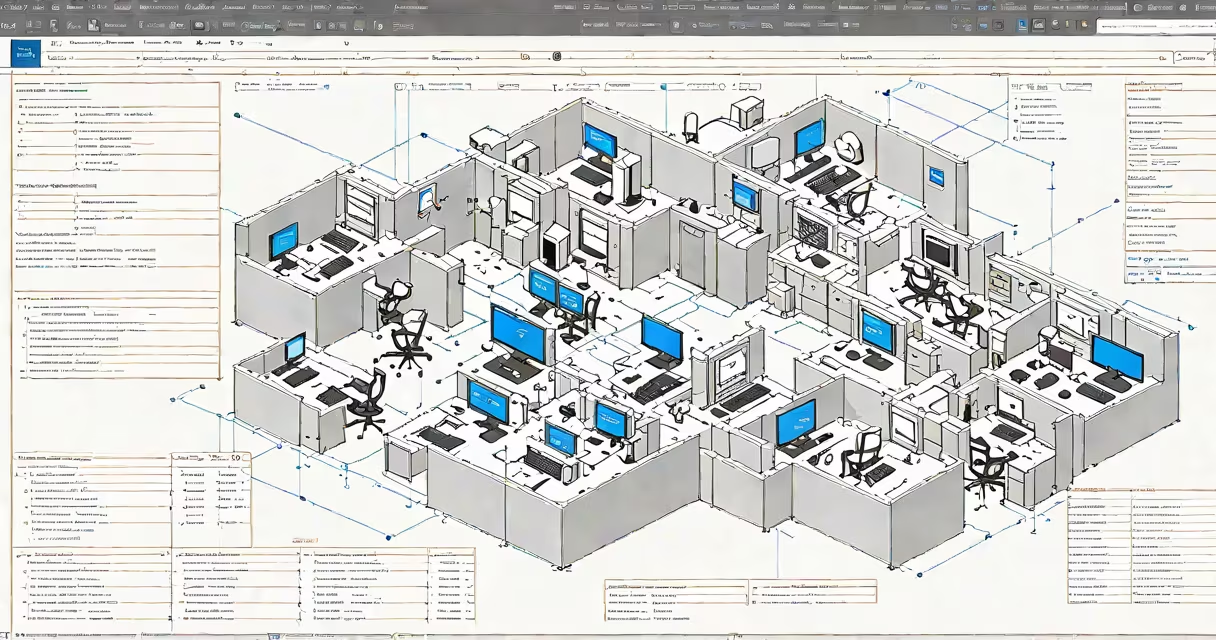
Microsoft Remote Desktop Manager is an IT administration tool that centralizes control of multiple remote desktop connections through a single interface. It combines connection management with security policies and session monitoring.
The software creates a unified dashboard where administrators can store, organize, and launch remote desktop connections. Instead of managing individual connections through separate windows, IT staff access all sessions from one place.
When connecting to a remote computer, the manager authenticates using credentials stored in its encrypted vault. For added security, it supports multi-factor authentication and conditional access policies through Azure Active Directory integration.
Key capabilities include:
Enterprise IT teams use Remote Desktop Manager primarily for:
| Scenario | Example |
|---|---|
| Help desk support | Support technicians access client workstations to troubleshoot issues without physical presence |
| System administration | Administrators manage servers across multiple locations from a central office |
| Remote training | Trainers demonstrate software to geographically dispersed employees |
Many assume Remote Desktop Manager simply provides remote access, but its real value lies in organization and security. Unlike basic remote desktop software, this solution tracks who accesses which systems and when, creating an audit trail for compliance.
At my previous company, we deployed Remote Desktop Manager to replace scattered RDP files across our IT department. We created connection groups for different departments, applied custom icons to identify systems quickly, and set up automated password rotation for service accounts. Within weeks, our help desk reduced average resolution times by 30% due to faster system access.