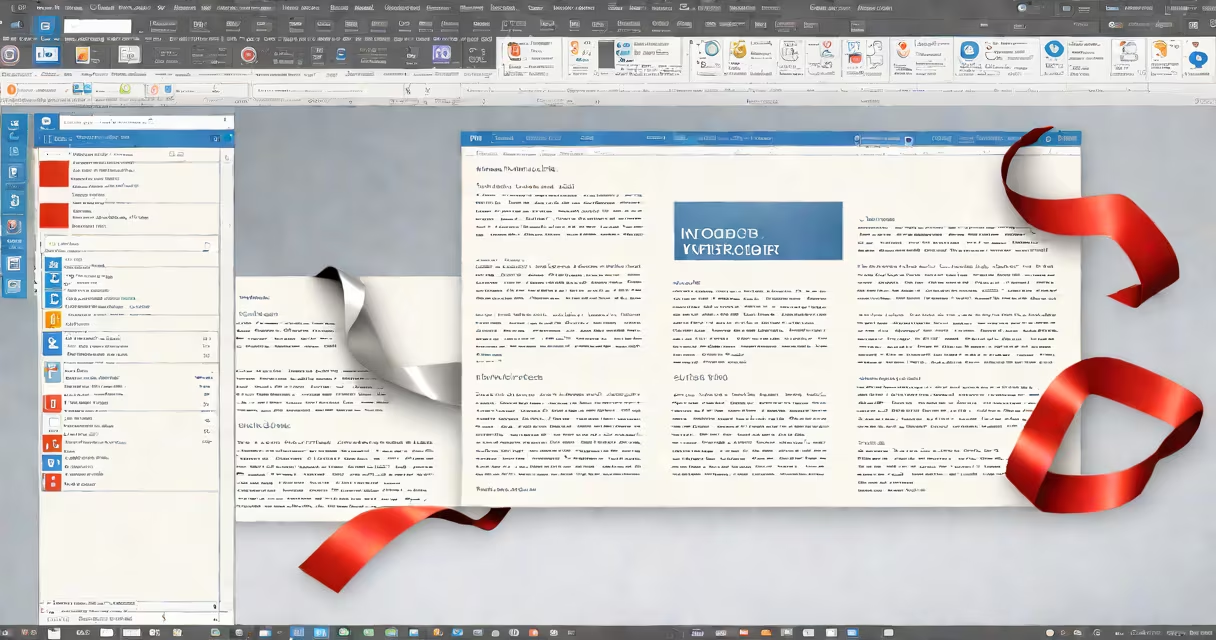
Microsoft Word's interface consists of key components like the ribbon, sidebar, and document area that enable users to create and edit documents efficiently. These elements provide access to formatting tools, templates, and other features.
The interface aims to simplify document creation. The ribbon at the top contains tabs for different functions, such as Home, Insert, and Design. Each tab groups related commands, reducing clutter. The sidebar offers additional options like navigation panes and style galleries. The main document area is where users type and format text.
Word's interface includes several essential parts:
These components are used in various scenarios, from drafting reports to designing flyers. The ribbon's organization helps users quickly find tools, while the sidebar provides access to advanced features. For example, the Design tab offers templates for resumes and newsletters, speeding up the creation process.
Many users confuse the ribbon with traditional menus. Unlike older versions of Word, the ribbon groups commands by function rather than category. Another mistake is ignoring the sidebar, which contains useful tools like the Navigation Pane for large documents. According to Microsoft Support, understanding these components can improve productivity.
To format a business letter, start by selecting the Home tab to adjust fonts and paragraph spacing. Use the Insert tab to add a company logo. Switch to the Page Layout tab to set margins and align text. Finally, use the Mailings tab to add addresses if sending multiple copies. The sidebar's Style Gallery can apply professional designs with one click.
I once used these components to design a brochure for a local event. The Design tab's templates saved time, while the sidebar's Navigation Pane helped organize sections. Understanding these tools made the process smoother and more efficient.