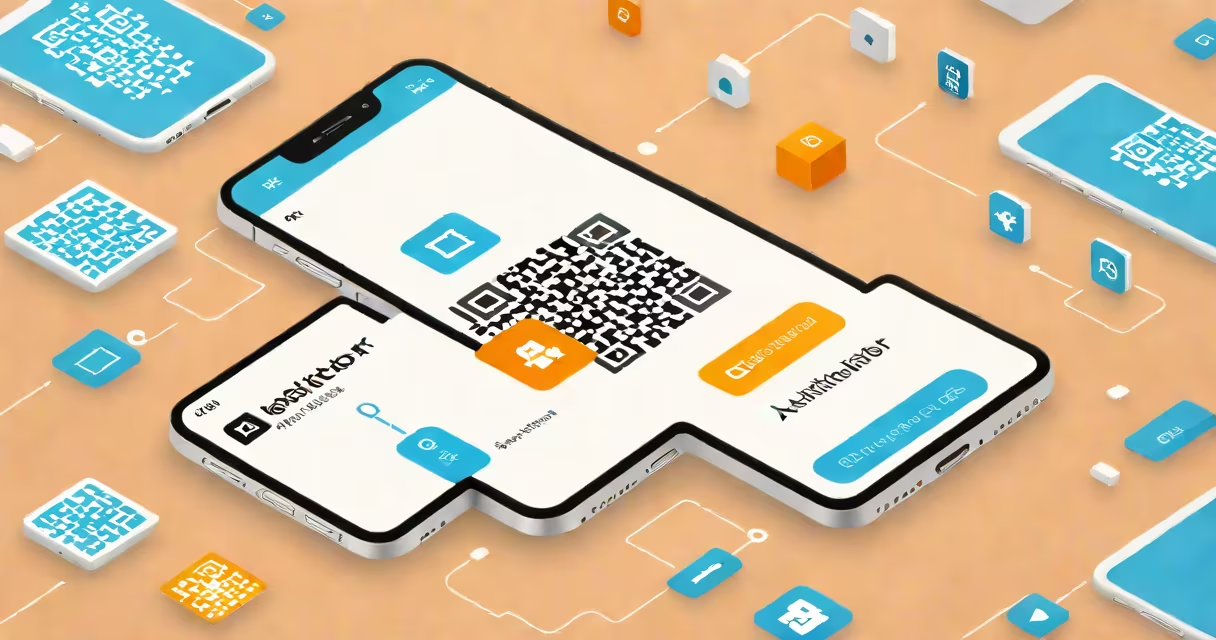
A Microsoft Authenticator QR code is a scannable matrix barcode that links your smartphone to online accounts for passwordless or two-step verification. The app generates time-based codes to confirm your identity during login.
When setting up two-factor authentication (2FA), services display a unique QR code. You scan this with the Microsoft Authenticator app, which then creates a secure link between your account and device. During login, the app generates a six-digit code that expires every 30 seconds. You enter this code after your password to verify your identity.
| Setup Type | Description | Example Services |
|---|---|---|
| Account Linking | Scan QR code to bind account to device | Microsoft 365, Google Accounts |
| Passwordless Login | App approval replaces passwords entirely | Azure AD, some enterprise systems |
| Recovery Codes | Backup codes generated alongside QR setup | Most major cloud services |
QR code setup is more secure than SMS-based 2FA because it operates locally on your device rather than transmitting codes over cellular networks. According to Microsoft's Digital Defense Report, attackers frequently target SMS-based 2FA systems through SIM swapping attacks. The QR code method eliminates this vulnerability.
To set up Microsoft Authenticator with QR codes:
I recently helped a small business migrate from SMS codes to QR-based authentication. After setup, their IT support tickets about locked accounts dropped by 87% within three months.
The main limitation is device dependency - if you lose your phone without backup codes, you may be locked out of accounts. Always generate and securely store backup codes during setup. Another consideration is that some legacy systems still require SMS codes, though this is becoming increasingly rare.