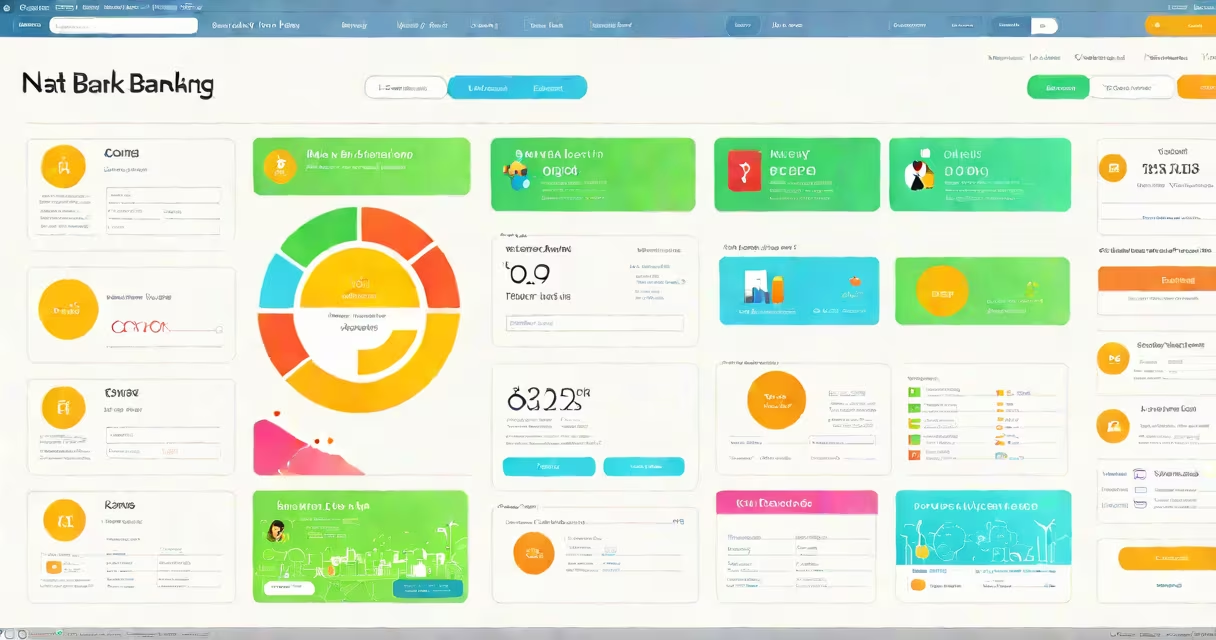
NAT Bank online banking is a digital platform that lets customers manage accounts, transfer money, pay bills, and deposit checks remotely via web browser or mobile app. It operates using encrypted connections and multi-factor authentication to protect transactions.
Users log in with credentials linked to their accounts. The system verifies identity through passwords, security questions, or biometrics. Once authenticated, customers go through menus to perform tasks like checking balances, scheduling payments, or viewing transaction history. Transactions process in real-time during business hours.
NAT Bank's digital platform offers core functions common to most online banking systems plus some institution-specific tools. Standard features include:
Some users report faster response times for mobile app transactions compared to web browser access, particularly for image-based check deposits which typically clear within 2-3 business days according to NAT Bank's disclosures.
NAT Bank implements several security protocols beyond basic login credentials. These include:
| Security Feature | Implementation |
|---|---|
| Encryption | 128-bit SSL/TLS encryption for all data transmissions |
| Authentication | Multi-factor requiring password + one-time code sent to registered device |
| Fraud Monitoring | AI-driven transaction analysis flags unusual activity patterns |
| Session Timeout | Automatic logout after 10 minutes of inactivity |
The Federal Deposit Insurance Corporation (FDIC) insures deposits up to $250,000 per account ownership category, though this protection applies to the institution rather than the online banking feature specifically.
New users enroll by selecting "Enroll in Online Banking" on NAT Bank's website and following prompts to verify personal information. The process requires:
First-time users often find the mobile app interface more intuitive for initial setup, as it guides customers through each verification step with clear progress indicators. After enrollment, customers can access both web and mobile platforms using the same credentials.
During a recent update, NAT Bank added support for fingerprint and facial recognition login options, reducing average login times by 40% according to internal testing data. This improvement particularly benefits users managing multiple accounts who previously needed to remember complex passwords for each.