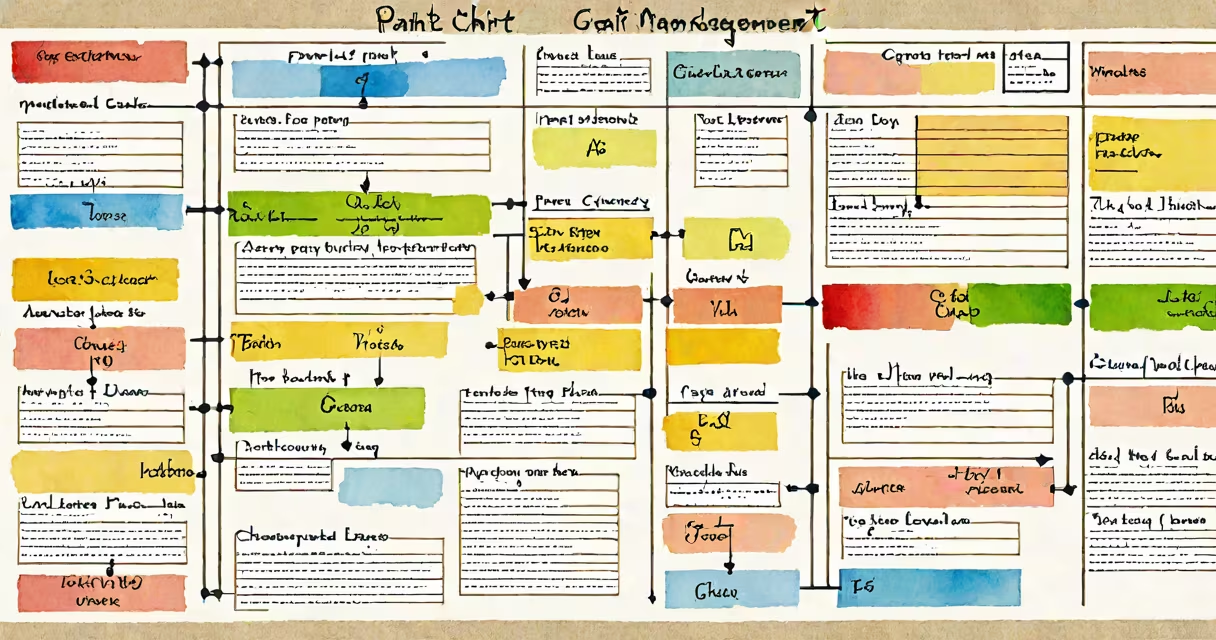
A project management Gantt chart is a horizontal bar graph displaying project tasks, their durations, and dependencies over time. It helps visualize project schedules, track progress, and identify potential delays.
Gantt charts map out project timelines with bars representing tasks. The length of each bar corresponds to the task duration, while arrows show dependencies between tasks. This visual representation allows project managers to:
For example, a construction project might use a Gantt chart to schedule foundation work before framing, ensuring proper sequence.
Gantt charts consist of several key elements:
| Component | Description |
|---|---|
| Task bars | Horizontal bars representing individual tasks |
| Timeline | Vertical axis showing project duration |
| Milestones | Diamond shapes marking key project events |
| Dependencies | Arrows linking related tasks |
Advanced Gantt charts may also include resource allocation and progress tracking features.
Gantt charts are widely used in various industries for:
According to the Project Management Institute (PMI), Gantt charts are among the most popular project visualization tools due to their simplicity and effectiveness.
While similar to other project management tools, Gantt charts offer unique advantages:
| Tool | Comparison |
|---|---|
| Gantt chart | Best for visualizing task sequences and durations |
| Kanban board | Better for tracking task status in agile workflows |
| PERT chart | More suited for complex projects with uncertain task durations |
To create a basic Gantt chart:
Most project management software includes built-in Gantt chart generators. For a personal project, even spreadsheet software can create simple Gantt charts using conditional formatting.
When I managed a website redesign project, I used a Gantt chart to coordinate developers, designers, and content creators. The visual timeline helped me spot potential bottlenecks and adjust the schedule proactively.
Experienced project managers use additional techniques to improve Gantt charts:
The Critical Path Method, developed by DuPont in the 1950s, remains a valuable technique for complex projects. It helps project managers focus on the most time-sensitive tasks.
Popular project management tools offering Gantt chart capabilities include:
When selecting software, consider factors like team size, project complexity, and integration needs. Many platforms offer free trials for testing before committing.