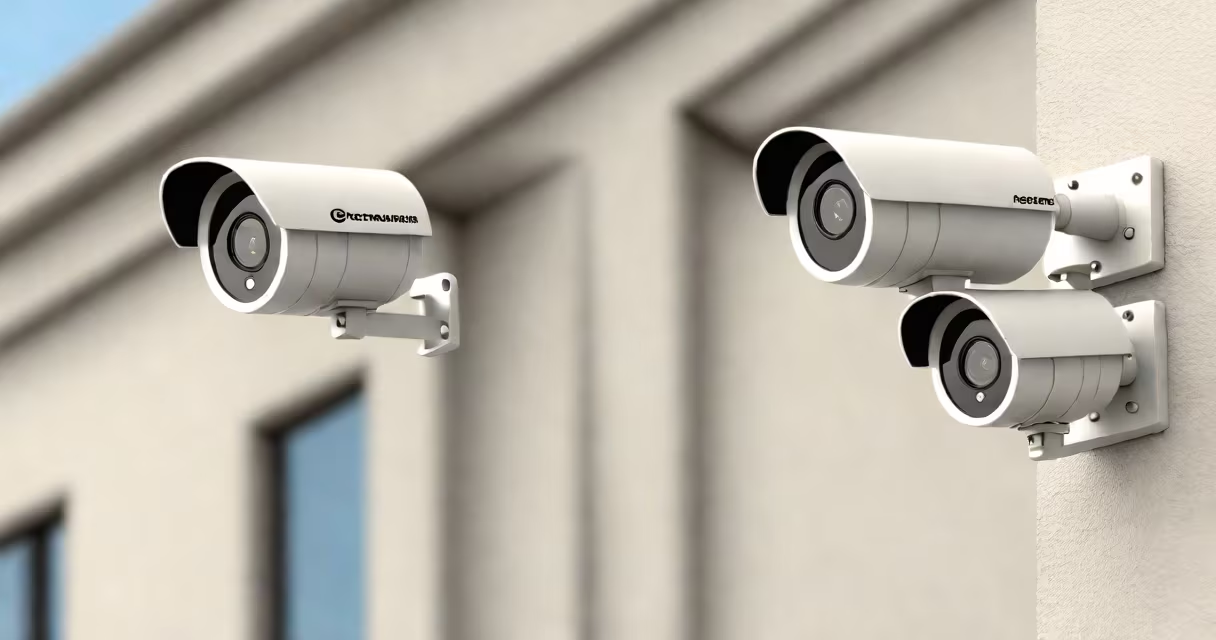
Surveillance cameras for your home are video recording devices installed to monitor and secure residential properties. These cameras connect to a network, either wired or wireless, and transmit footage to a storage device or cloud service.
Home surveillance systems typically include multiple cameras placed around the perimeter of a property, focusing on entry points like doors, windows, and garages. Some systems also incorporate indoor cameras to monitor interior spaces. Most modern home security cameras offer features like motion detection, night vision, and remote access via smartphone apps.
Surveillance cameras capture video footage using lenses and image sensors. This footage is then processed by the camera's software, which can perform tasks like motion detection and facial recognition. The processed video is stored locally on an SD card or hard drive, or uploaded to a cloud server for remote access.
When motion is detected, many security cameras trigger alerts sent to the homeowner's smartphone. Some advanced systems can even differentiate between humans, animals, and vehicles, reducing false alarms. Night vision capabilities allow cameras to record clear footage in low-light conditions, while weatherproof designs ensure reliable performance outdoors.
| Camera Type | Key Features | Best For |
|---|---|---|
| Dome Camera | 360-degree rotation, vandal-resistant housing | Interior monitoring, retail spaces |
| Bullet Camera | Long-range viewing, weatherproof design | Exterior monitoring, large properties |
| PTZ Camera | Pan, tilt, zoom functionality, remote control | Large areas requiring active monitoring |
| Doorbell Camera | Motion-activated recording, two-way audio | Front door security, package monitoring |
Many people believe that surveillance cameras require professional installation. While some high-end systems do benefit from professional setup, most modern security cameras are designed for DIY installation. Wireless models, in particular, can often be mounted and configured using just a smartphone app.
Another misconception is that surveillance cameras are only useful for catching criminals after a crime has occurred. In reality, visible security cameras act as useful deterrents. Studies have shown that properties with surveillance systems are less likely to be targeted by burglars.
When selecting surveillance cameras for your home, consider factors like resolution, field of view, connectivity options, and smart features. A resolution of at least 1080p is recommended for clear footage, while a wide field of view ensures fewer blind spots. Wireless cameras offer more flexibility in placement but may require regular battery changes.
Smart features like motion detection, night vision, and two-way audio improve functionality. Many systems integrate with other smart home devices, allowing for automated routines and enhanced security. For example, some cameras can trigger smart lights to turn on when motion is detected, creating the impression that someone is home.
I installed a wireless security camera system in my home last year. The setup process was straightforward, taking about 30 minutes per camera. Since installation, I've received several motion alerts that turned out to be false alarms triggered by passing cars or wildlife. However, the peace of mind knowing my property is being monitored makes the occasional alert worthwhile.
Strategic placement is important for effective home surveillance. Start by placing cameras at all entry points, including front and back doors, garage entrances, and basement access points. Install cameras facing driveways and walkways to capture approaching visitors. Indoor cameras should cover living areas, hallways, and staircases.
Avoid placing cameras where they can be easily tampered with or obstructed by vegetation. Mount them high enough to prevent interference but low enough to capture clear facial images. Consider the camera's field of view to minimize blind spots between coverage areas.