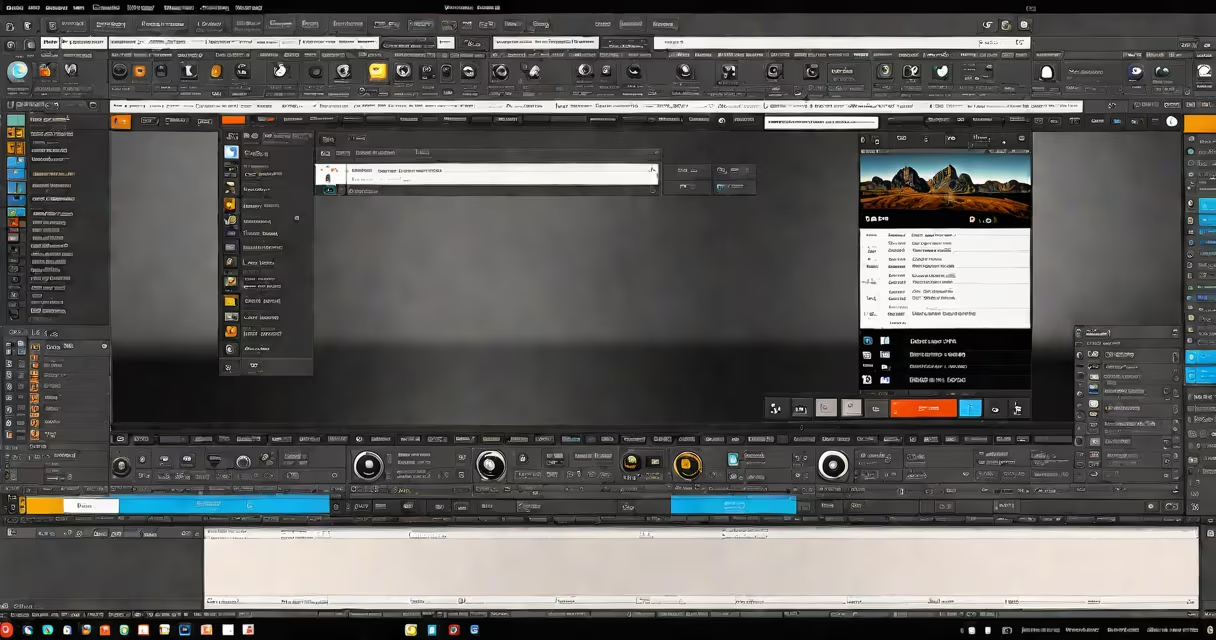
Free video editing software includes open-source and freemium programs that provide professional-grade tools without upfront costs. These programs typically offer basic editing features like trimming, splitting, and merging clips, along with advanced capabilities such as color correction, audio mixing, and special effects.
Most free video editing software follows a similar workflow: import media files, arrange them on a timeline, apply edits and effects, then export the final project. Open-source programs often rely on community-developed plugins for additional functionality, while freemium software may limit certain features until users upgrade to paid versions.
Free video editors generally fall into three categories:
| Type | Key Features | Best For |
|---|---|---|
| Basic Editors | Simple interfaces, essential editing tools | Beginners, social media content |
| Advanced Editors | Multi-track editing, motion tracking, keyframing | Intermediate users, YouTube creators |
| Professional-Grade | 3D editing, advanced color grading, VFX tools | Experienced editors, filmmakers |
Content creators, marketers, and educators commonly use free video editing software to produce engaging visual content without expensive licensing fees. Small businesses often rely on these tools for promotional videos, while students and hobbyists use them for personal projects.
According to a 2023 study by Wyzowl, 83% of businesses use video content in their marketing strategies, creating demand for accessible editing solutions. Many professionals start with free software before investing in premium tools as their skills develop.
Another myth is that free software lacks advanced features. Programs like DaVinci Resolve provide professional-grade tools comparable to industry-standard paid software, including 8K editing, motion graphics, and color correction.
To edit a basic video using Shotcut:
I recently tested OpenShot for a personal project and was impressed by its intuitive drag-and-drop interface. The software handled 1080p footage smoothly on my mid-range laptop, and I appreciated the wide selection of animation templates for titles and credits. While it lacked some advanced features found in paid software, it proved more than adequate for my beginner-level needs.