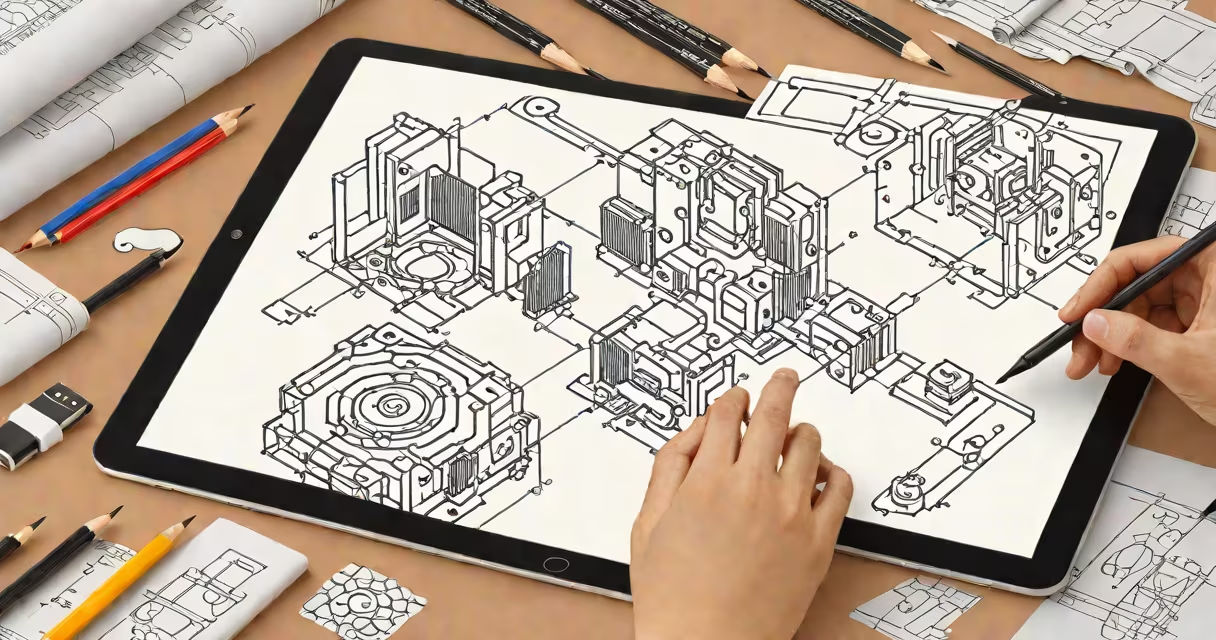
Good drawing apps provide artists with digital tools to create sketches, illustrations, and paintings on tablets, smartphones, or computers. These applications range from free options for casual users to professional-grade software for experienced artists.
Drawing apps replicate traditional art supplies in a digital environment. They use touchscreen technology or stylus input to simulate brushstrokes, pencil marks, and ink lines. Most apps offer layers, undo/redo functions, and color palettes for precise control over artwork.
For example, Procreate uses pressure sensitivity to adjust line thickness based on how hard you press with your stylus. This mimics the natural feel of drawing with a physical pencil.
| App Type | Best For | Example |
|---|---|---|
| Professional | Comic artists, illustrators | Procreate, Adobe Fresco |
| Beginner-Friendly | Casual users, hobbyists | SketchBook, IbisPaint X |
| 3D Modeling | Digital sculptors | ZBrush, Blender |
Digital artists use drawing apps for various purposes, including creating concept art for games and films, designing graphics for websites, and producing social media content. Many professionals prefer digital tools because they allow for easy editing and sharing of work.
According to a Statista report, the global digital art software market was valued at $5.2 billion in 2020 and continues to grow.
Another myth is that digital art lacks the authenticity of traditional methods. In reality, many galleries and collectors now accept digital artwork as legitimate art forms.
When selecting a drawing app, consider factors such as ease of use, available features, and compatibility with your device. Beginners might start with simpler apps like SketchBook, while professionals may invest in more advanced software like Procreate.
I recommend trying out a few different apps to see which interface feels most intuitive. Many apps offer free trials or limited free versions, allowing you to test their capabilities before purchasing.