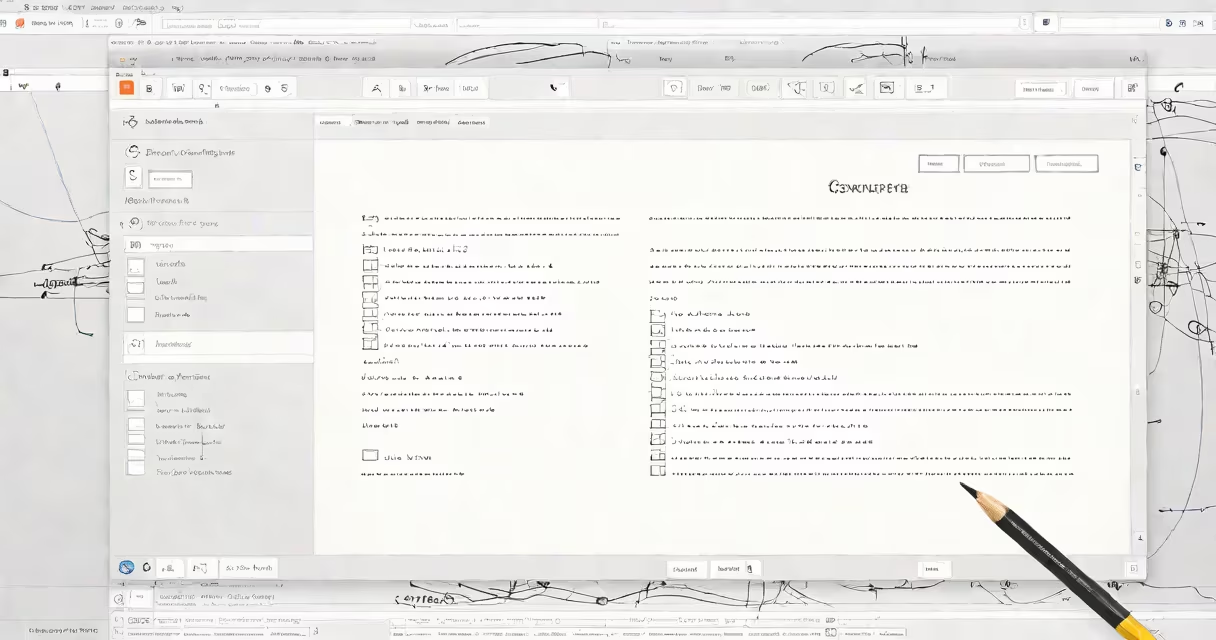
Composing an email means creating and formatting a message in an email client before sending it. This process includes writing the subject line, body text, and adding attachments or images.
Most email clients provide a dedicated interface for composing messages. This typically includes fields for the recipient's address, subject line, and message body. Many platforms also offer formatting tools, such as bold or italic text, bullet points, and hyperlinks.
For example, in Gmail, clicking the "Compose" button opens a new window where you can enter your message details. The process is similar in other email services like Outlook or Yahoo Mail.
Email composition tools vary by platform but generally fall into these categories:
| Type | Description | Example Platforms |
|---|---|---|
| Web-based | Accessed through a web browser | Gmail, Outlook.com, Yahoo Mail |
| Desktop applications | Installed on your computer | Microsoft Outlook, Apple Mail |
| Mobile apps | Used on smartphones and tablets | Gmail app, Outlook app |
Well-composed emails improve communication clarity and professionalism. A poorly written email can lead to misunderstandings or damage relationships. For business communications, proper email composition is important for maintaining a professional image.
For instance, using a clear subject line helps recipients understand the email's purpose before opening it. Breaking up text with paragraphs and using bullet points for lists makes the email easier to read.
Many people make avoidable errors when composing emails. One frequent mistake is writing overly long emails without clear organization. Another common error is forgetting to proofread for spelling and grammar mistakes.
I once sent an important work email without checking the recipient's address first. The email went to the wrong person, causing embarrassment and delays. Always double-check the recipient's email address before sending.
Another mistake is not using a professional tone. Even casual emails should maintain a respectful and appropriate language choice. Avoid using slang or informal expressions in professional communications.
Follow these guidelines to compose effective emails: