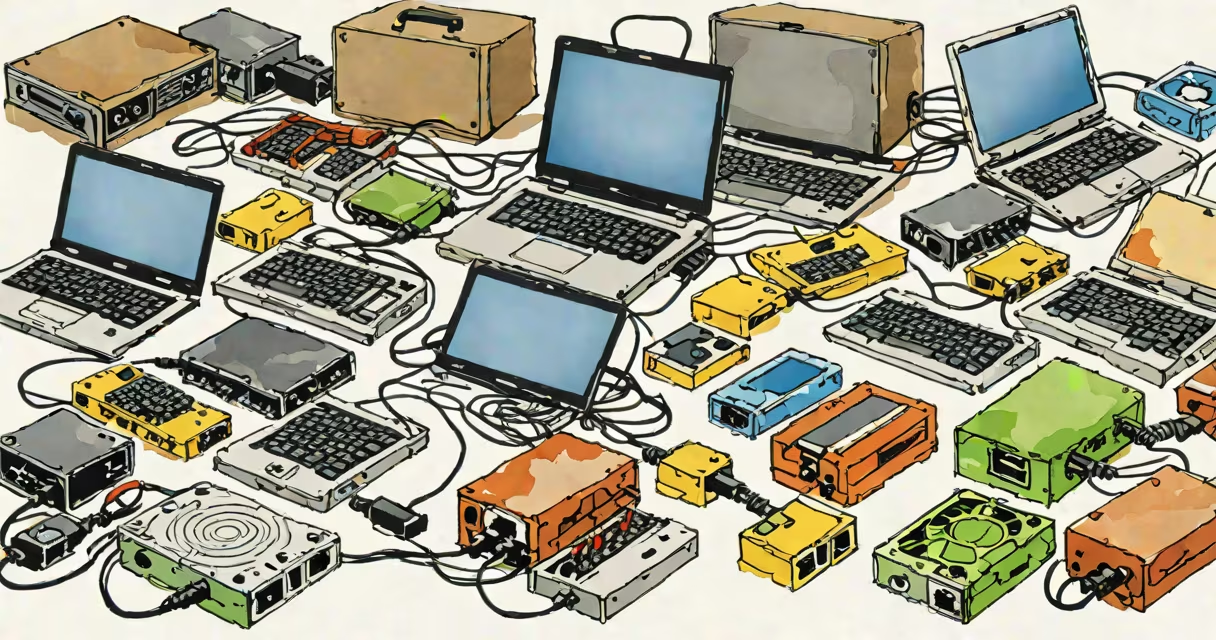
A computer adapter is a hardware device that converts signals between incompatible systems, allowing different devices to communicate. Adapters typically connect via USB, HDMI, or proprietary ports.
Adapters translate data formats between devices. For example, a USB-C to HDMI adapter converts digital video signals from a laptop's USB-C port into an analog format that a monitor understands. Most adapters add minimal latency-less than 5 milliseconds-but some high-speed adapters introduce slight delays.
| Type | Common Uses | Example |
|---|---|---|
| USB Adapter | Expands USB ports or connects older USB devices to modern ports | USB-C to USB-A adapter |
| Video Adapter | Connects laptops to external displays or projectors | HDMI to DisplayPort adapter |
| Power Adapter | Supplies power to devices when standard outlets aren't available | Car charger adapter for laptops |
| Network Adapter | Enables wired or wireless internet connections | Ethernet to Wi-Fi adapter |
Many assume adapters reduce performance, but most high-quality adapters maintain original signal quality. For instance, a Thunderbolt 3 to HDMI 2.0 adapter supports 4K resolution at 60Hz without compression. However, cheap adapters may overheat or fail under heavy loads.
Another myth is that adapters are temporary solutions. Some, like the MagSafe to USB-C adapter for MacBooks, become permanent fixtures as Apple phases out older ports.
Adapters modify physical connections but don't alter data formats. Converters, however, change data formats entirely. For example, a DVI-to-HDMI adapter simply changes the connector type, while a DVI-to-HDMI converter adds support for audio transmission.
I once needed to connect an older projector with a VGA input to a modern laptop with only HDMI output. A simple VGA-to-HDMI adapter didn't work because the signal formats were incompatible. A DVI-to-HDMI converter solved the problem by converting both the physical connection and the signal format.
Computer adapters enable compatibility between devices with different ports or standards. From USB-C hubs to power adapters, they ensure smooth connectivity in both personal and professional settings.