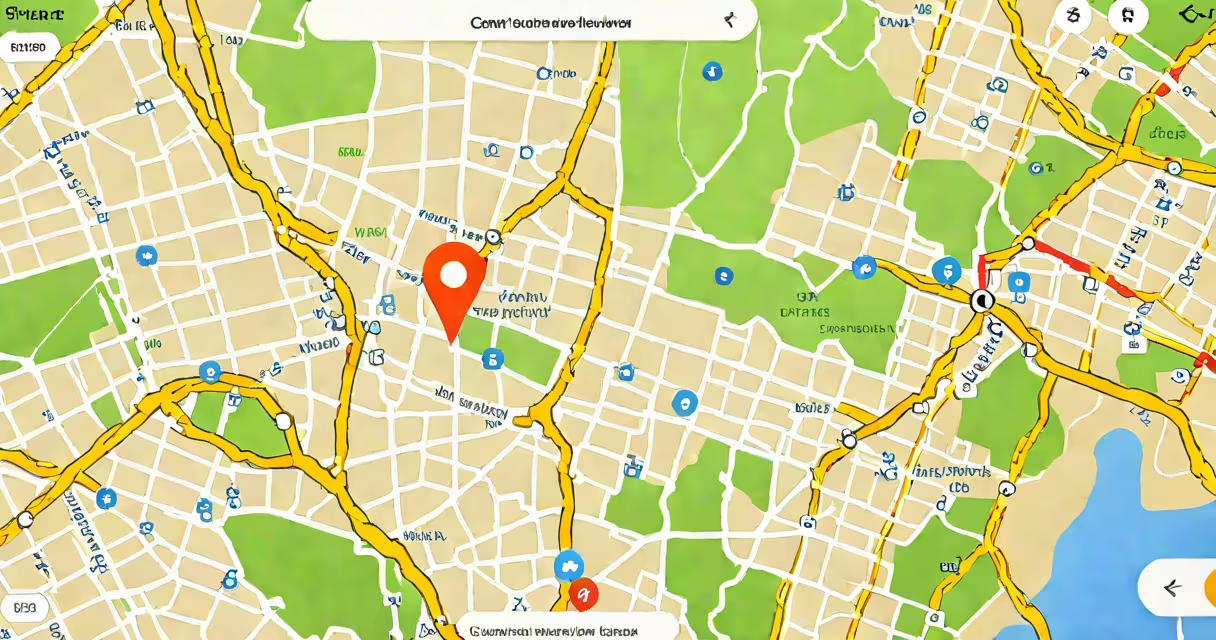
Find My iPhone is Apple's built-in feature that tracks your iPhone's location, plays sounds to help locate it, locks it remotely, or erases data if stolen. It uses GPS, Wi-Fi, and cellular data to pinpoint your device's location.
When enabled, Find My iPhone sends your device's location to Apple's servers via iCloud. You can access this data through the Find My iPhone app, iCloud.com, or another Apple device signed into the same account. The feature works even if your iPhone is offline, using Bluetooth or Wi-Fi signals from nearby devices to relay its last known location.
Find My iPhone is important for security and peace of mind. According to Apple, over 1 billion devices are protected by Find My each year. In 2022, Apple reported that Find My helped recover 1 million devices in the U.S. alone. The feature is also used to deter theft, as thieves cannot access your data without your Apple ID password.
To enable Find My iPhone, go to Settings > [Your Name] > Find My > Find My iPhone. Toggle the switch to enable it. For additional security, turn on "Send Last Location," which sends your iPhone's location to Apple's servers when the battery is low. If you lose your iPhone, you can use Find My iPhone to locate it, play a sound, or erase its data remotely.
I once left my iPhone in a taxi and used Find My iPhone to track its location. The driver had pulled over, and I was able to retrieve it within minutes. This experience reinforced how valuable the feature is for both security and convenience.
Find My iPhone requires an internet connection to function. If your device is offline, it may not update its location in real time., if someone turns off your iPhone or removes its SIM card, you won't receive location updates until it reconnects to the internet. However, the last known location will still be available.