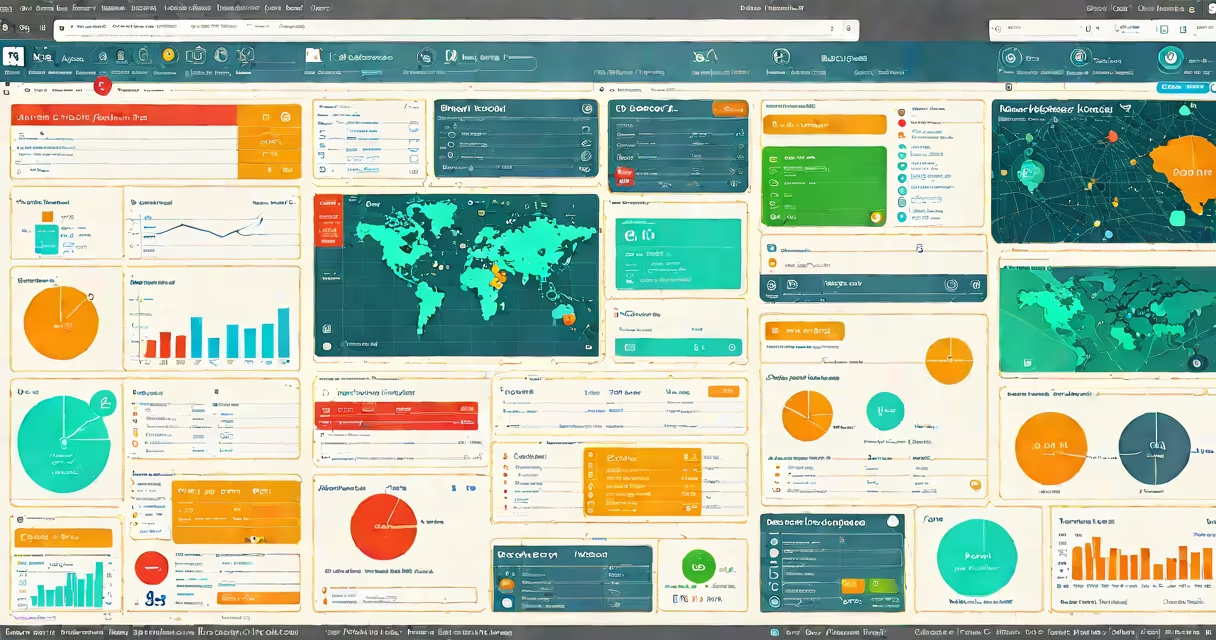
RMM software is remote monitoring and management software that automates IT tasks like patch management, network monitoring, and security checks for managed service providers (MSPs). It helps MSPs monitor and manage client systems remotely, improving efficiency and reducing downtime.
RMM software agents are installed on client devices, collecting data about system health, performance, and security. The central dashboard alerts technicians to issues, automates responses, and generates reports. For example, SolarWinds RMM scans for outdated software and applies patches automatically.
RMM software typically includes:
| Type | Key Features | Example |
|---|---|---|
| Basic RMM | Monitoring, alerts, and remote control | NinjaRMM |
| Advanced RMM | Automation, security tools, and integrations | Kaseya VSA |
| Specialized RMM | Industry-specific features (e.g., healthcare compliance) | Datto RMM |
Managed service providers (MSPs) primarily use RMM software to monitor and manage client networks. However, internal IT teams at larger organizations also adopt RMM tools to simplify operations. According to Gartner, 65% of MSPs rely on RMM solutions to reduce manual work and improve service delivery.
RMM software focuses on monitoring and managing IT infrastructure, while professional services automation (PSA) software handles business operations like billing and project management. Some vendors offer integrated RMM and PSA solutions, such as ConnectWise Automate paired with ConnectWise Manage.
An MSP using RMM software sets up automated patch management for 50 client workstations. The RMM tool scans for missing updates, downloads patches, and installs them during off-hours. This reduces security risks and saves the MSP 10 hours per week in manual updates.
RMM software enhances IT efficiency by automating routine tasks, providing real-time monitoring, and enabling proactive issue resolution. For MSPs, it's a critical tool for delivering reliable, scalable services to clients.