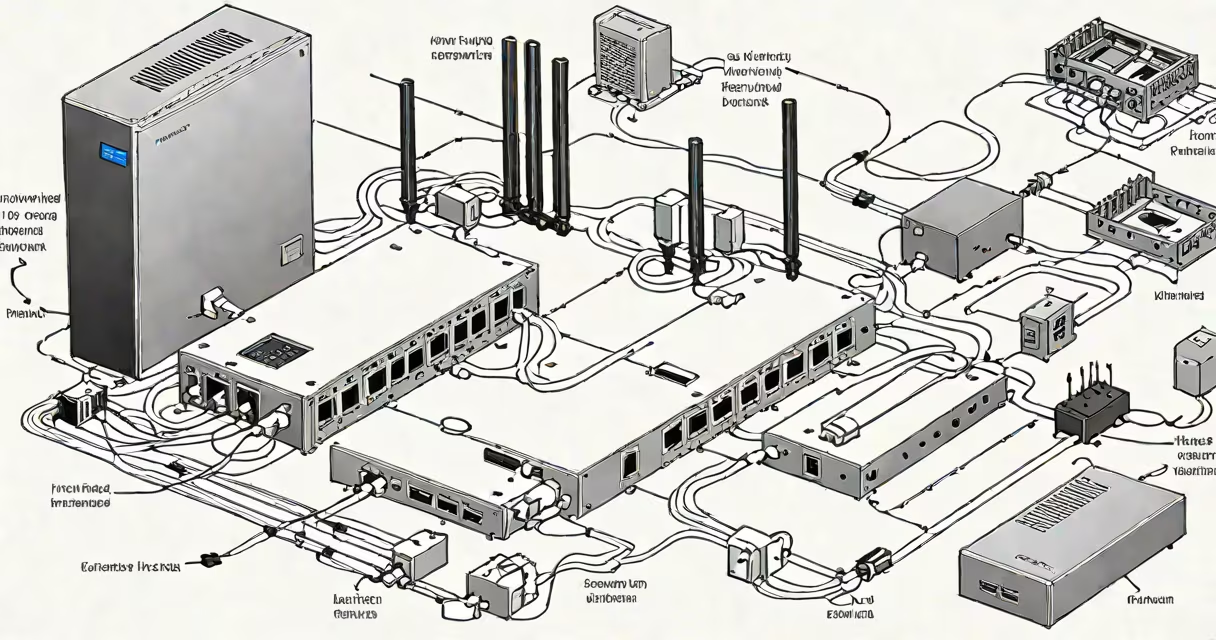
Your internet provider, also called an internet service provider (ISP), is the company that supplies your internet access. To find yours, check your monthly bill, look up the default gateway IP address on your router, or contact customer support.
ISPs connect you to the internet through various technologies like cable, DSL, fiber-optic, or wireless networks. They manage the infrastructure that delivers data to your home or device. When you visit a website, your request travels through your ISP's network to reach the server hosting that site.
| Type | Technology Used | Typical Speeds |
|---|---|---|
| Cable ISPs | Coaxial cables | 10-500 Mbps |
| DSL ISPs | Phone lines | 5-100 Mbps |
| Fiber ISPs | Fiber-optic cables | 100-1000+ Mbps |
| Satellite ISPs | Satellite dishes | 12-100 Mbps |
| Mobile ISPs | Cellular networks | 5-200 Mbps |
Identifying your ISP helps troubleshoot connection issues, compare service plans, and understand your data limits. For example, if your speeds are slow, knowing your ISP lets you check their service status or explore alternatives. Some ISPs offer bundled services like TV or phone, which can affect your choice.
Google is not an internet provider, despite offering Google Fiber in select areas. Most people access Google services through their existing ISP. If you're unsure about your provider, check your monthly bill or use online tools designed to detect your ISP.
Many people confuse their ISP with their hardware provider. The company that sold you your router or modem is separate from your ISP, though some ISPs lease equipment to customers., mobile carriers like Verizon or AT&T provide cellular internet but may not offer home broadband services.
To find your ISP, log into your router's admin panel by entering the default gateway IP (often 192.168.1.1 or 10.0.0.1) in a web browser. Look for the ISP name under connection details. Alternatively, call the phone number on your bill or use an online ISP lookup tool.
If you're still unsure, contact customer support for confirmation. Some ISPs operate under different brand names in various regions, so verifying with them ensures accuracy. Once you know your provider, you can research better deals or upgrade your plan if needed.