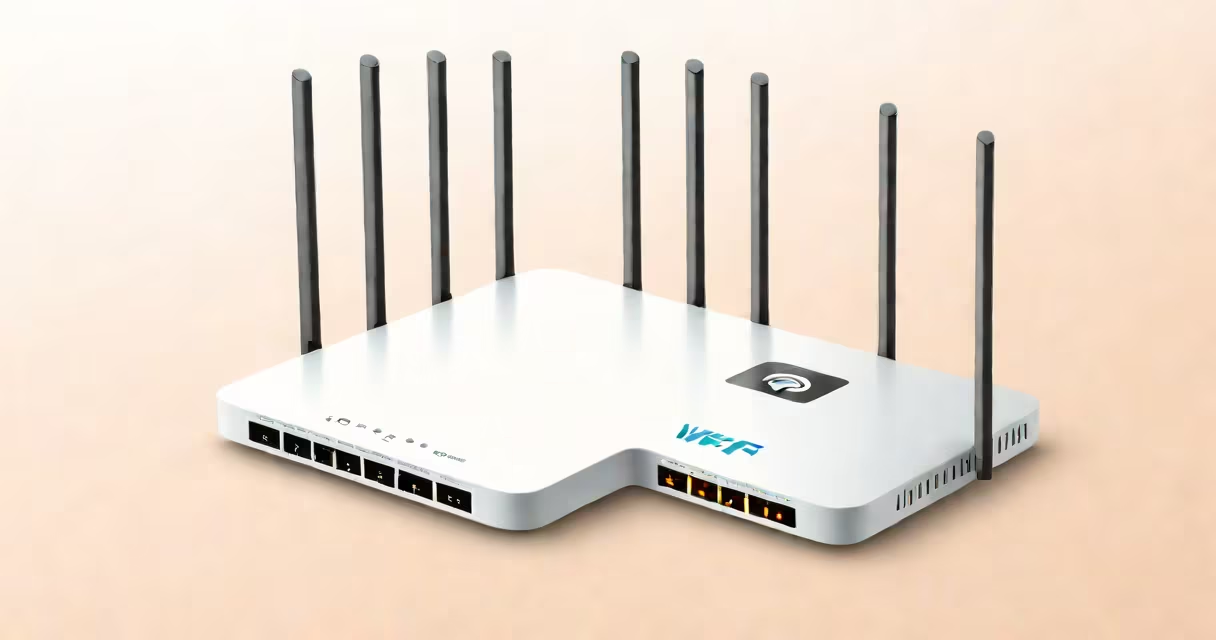
A WiFi router is a device that creates a wireless network by converting wired internet signals into radio waves, allowing multiple devices to connect to the internet simultaneously.
When your internet service provider sends data to your home, it arrives through a cable connected to your modem. The modem converts this data into a format your router can understand. The router then broadcasts this data as radio waves through its antennas. Devices like smartphones, laptops, and smart TVs receive these waves and convert them back into data they can use.
For example, when you stream a movie on your tablet, the request travels through the router, which directs it to the internet. The response travels back the same way, appearing on your screen almost instantly.
Routers contain several key components:
Routers come in various types, each suited for different needs:
| Type | Best For | Key Feature |
|---|---|---|
| Standard Router | Small homes or apartments | Basic WiFi coverage for a few devices |
| Mesh Router | Large homes | Multiple nodes for smooth coverage |
| Gigabit Router | High-speed internet users | Supports speeds up to 1 Gbps |
Many people think routers and modems are the same. While both are essential for internet access, they perform different functions. A modem connects your home to your internet service provider, while a router distributes that connection wirelessly to your devices.
Another misconception is that more antennas mean better performance. While antennas help distribute signals, the router's processor and software play a bigger role in determining speed and reliability.
To set up a WiFi router, start by connecting it to your modem using an Ethernet cable. Then, access the router's settings through a web browser by entering its IP address. From there, you can configure your network name, password, and security settings. For detailed steps, see this guide.
I once helped a friend set up a new router in their home. After connecting the cables and accessing the router's settings, we changed the default network name and password to something more secure. We also enabled parental controls to restrict internet access for younger family members. The process took about 20 minutes and ensured a stable connection for all their devices.
If your WiFi isn't working on certain devices, it could be due to interference from other electronic devices or weak signals. Placing the router in a central location and away from obstacles can improve coverage. For specific issues like WiFi working on a phone but not a laptop, check for driver updates or try forgetting and reconnecting to the network.
According to the Federal Communications Commission, keeping your router updated with the latest firmware can also improve performance and security.