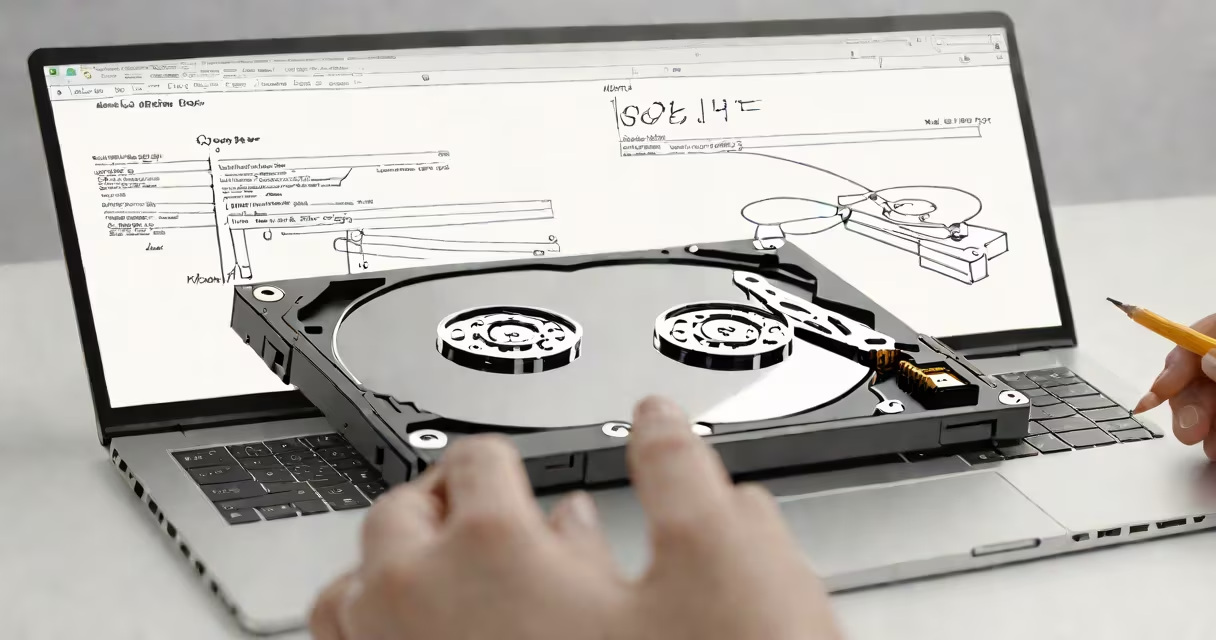
Hard drive imaging software creates bit-for-bit copies of storage drives, including all data and system files. These tools are essential for system migration, disaster recovery, and data preservation.
Most imaging software operates by reading every sector of the source drive and writing identical data to the target drive or image file. The process typically involves:
| Type | Key Features | Best For |
|---|---|---|
| Commercial Solutions | User-friendly interfaces, scheduled backups, incremental imaging | Home users and small businesses |
| Open-Source Tools | Free to use, command-line interfaces, advanced features | Technical users and IT professionals |
| Enterprise Software | Centralized management, scalability, security features | Large organizations |
Commercial solutions like Macrium Reflect often include additional features such as differential imaging and mounting image files as virtual drives. Open-source alternatives like Clonezilla provide useful functionality without cost but require more technical expertise.
Hard drive imaging serves several critical purposes:
Many users confuse hard drive imaging with simple file backups. While file backups copy individual files and folders, imaging creates complete, bootable copies of entire drives, including hidden system files and empty space. This distinction is important for system recovery scenarios.
Another common mistake is assuming all imaging software supports all file systems. Most commercial tools handle NTFS, FAT32, and exFAT, but specialized tools may be needed for Linux file systems like ext4.
Consider using imaging software in these situations:
According to a 2022 study by the University of Maryland, 80% of hard drives fail within four years, making regular imaging an essential preventive measure.