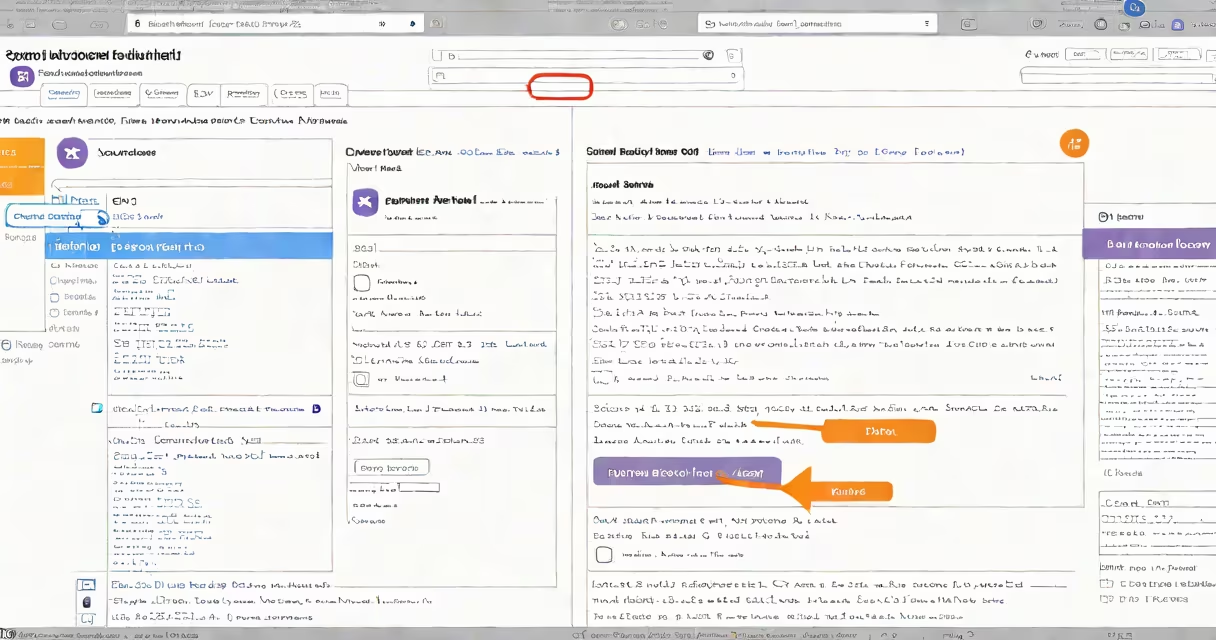
To block spam email from Yahoo Mail, use built-in filters to automatically send unwanted messages to the junk folder. These tools let you create custom rules based on sender, subject line, or specific keywords.
Yahoo Mail uses machine learning algorithms to identify and block spam automatically. The system analyzes patterns in incoming messages and compares them against known spam characteristics. However, no filter catches everything, so manual blocking remains essential.
Yahoo Mail offers two primary ways to block spam:
To set up custom filters:
Many users confuse blocking with muting. Muting hides emails but doesn't prevent them from arriving. Blocking actively stops messages from specific senders. Another mistake is overusing broad filters, which can accidentally block legitimate emails containing similar keywords.
After setting up filters, test them by sending test emails from another account. Verify they go to the correct folder. I once created a filter to block newsletters but forgot to exclude transactional emails from the same sender. The result? Important receipts went missing until I refined my rules.