Reels are short-form videos on Instagram designed for quick consumption and high engagement. They allow creators to share 15-, 30-, or 60-second clips with music, effects, and creative tools.
Reels appear in the Reels tab, Explore page, and users' feeds. The algorithm prioritizes content based on watch time, interactions, and relevance. Videos can be recorded directly in the app or uploaded from a device's gallery.
| Type | Description | Example |
|---|---|---|
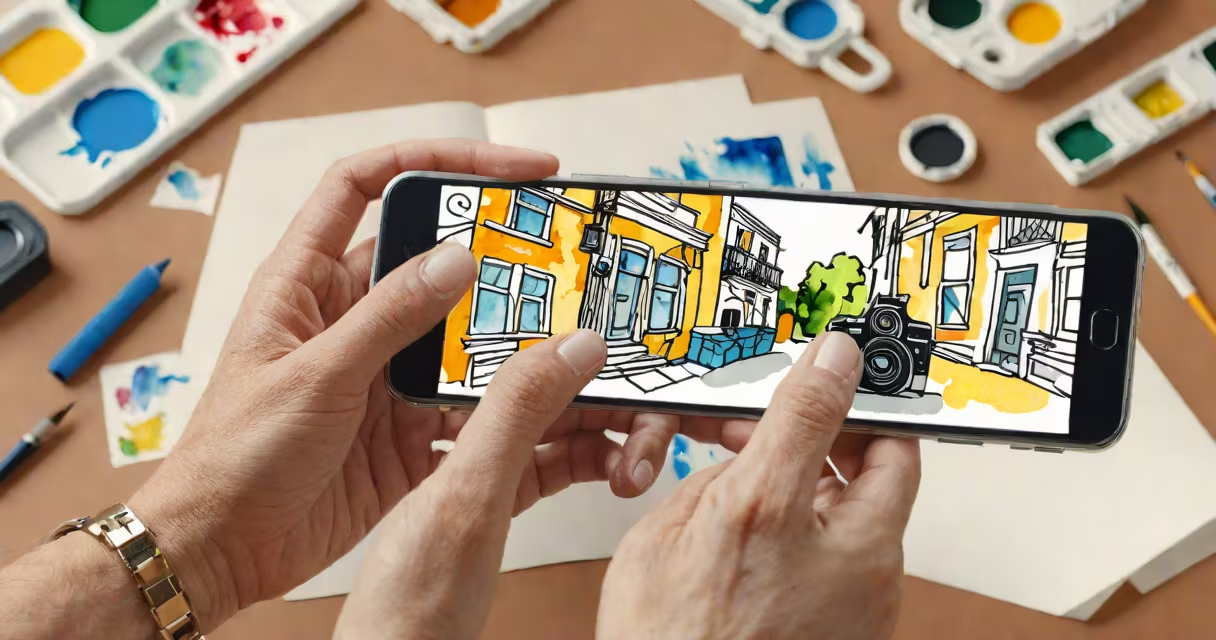
| Tutorials | Step-by-step guides showing how to do something | Creating a picture using watercolor techniques |
| Behind-the-Scenes | Showing the process behind a product or service | Filming a commercial set |
| Trends/Challenges | Participating in viral trends or challenges | Dance challenges with popular songs |
| Product Showcases | Highlighting features of a product or service | Unboxing a new gadget |
Reels are primarily used on Instagram to engage audiences and grow followers. Brands use them for marketing, educators for teaching, and influencers for entertainment. The format's brevity and shareability make it ideal for capturing attention quickly.
For example, a small business might create a reel showcasing their new product line. By using trending music and hashtags, they increase the chances of appearing on the Explore page, reaching potential customers beyond their current follower base.
Many people think Reels are only for personal use or casual content. However, businesses and professionals use them effectively for marketing and outreach. Another misconception is that Reels require expensive equipment. In reality, most can be created with a smartphone and basic editing tools.
I once created a reel for a friend's bakery using just my phone. By filming close-ups of the baking process and adding upbeat music, the reel gained over 1,000 views in a week, driving traffic to the bakery's website.
To create a reel, open the Instagram camera and select the Reels option. Choose a template or start from scratch. Add music, effects, and text as needed. Record clips or upload pre-recorded videos. Finally, add a caption, relevant hashtags, and publish.
For instance, if you want to create a tutorial on how to create a picture, you might record each step of the process, from gathering materials to the final touches. Use text overlays to explain each step.
Need to set up your account properly? Learn how to create my email for professional use and ensure your business communications are smooth.