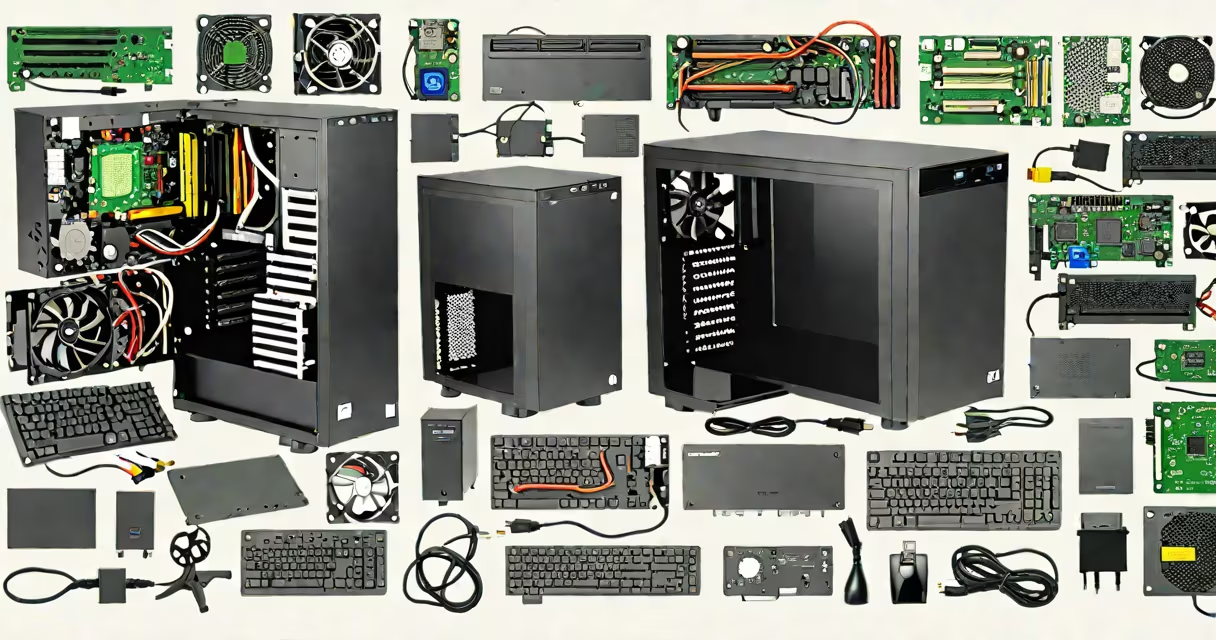
A PC consists of physical components that store, process, and display data. These parts work together to run software and perform tasks.
A PC operates through the interaction of its hardware components. Data flows between parts like the CPU, RAM, and storage drives, while the power supply unit provides electricity. The motherboard connects everything, allowing communication between components.
| Component | Function |
|---|---|
| Central Processing Unit (CPU) | Executes instructions and performs calculations |
| Random Access Memory (RAM) | Temporarily stores data for quick access |
| Storage Drive (SSD/HDD) | Permanently stores data and software |
| Motherboard | Connects and manages all components |
| Power Supply Unit (PSU) | Supplies electrical power to components |
| Graphics Processing Unit (GPU) | Renders images, videos, and animations |
| Cooling System | Regulates temperature to prevent overheating |
PC parts are used in desktop computers for tasks like gaming, video editing, and general computing. Each component plays a specific role:
Many people confuse RAM with storage drives. RAM is volatile memory that temporarily holds data while the computer is running. Storage drives, like SSDs and HDDs, permanently store data even when the computer is off.
Another misconception is that more CPU cores always mean better performance. While more cores can help with multitasking and specific applications, the clock speed and architecture of the CPU also play significant roles in performance.
Consider a gaming PC. The CPU processes game logic, the GPU renders graphics, and RAM stores active game data. An SSD loads the game quickly, while the PSU powers all components. The motherboard connects everything, and the cooling system keeps temperatures in check during intense gameplay.
I built my first PC five years ago. I chose a mid-range CPU, 16GB of RAM, an SSD for the operating system, and an HDD for storage. The build process was straightforward, and the PC performed well for gaming and productivity tasks. Upgrading to a higher-end GPU later improved gaming performance, demonstrating the importance of the GPU in graphics-intensive applications.
Understanding the parts of a PC and their functions is essential for building, upgrading, and maintaining a computer. Each component is important for the performance and functionality of the system. Whether for gaming, video editing, or general use, choosing the right parts ensures optimal performance.