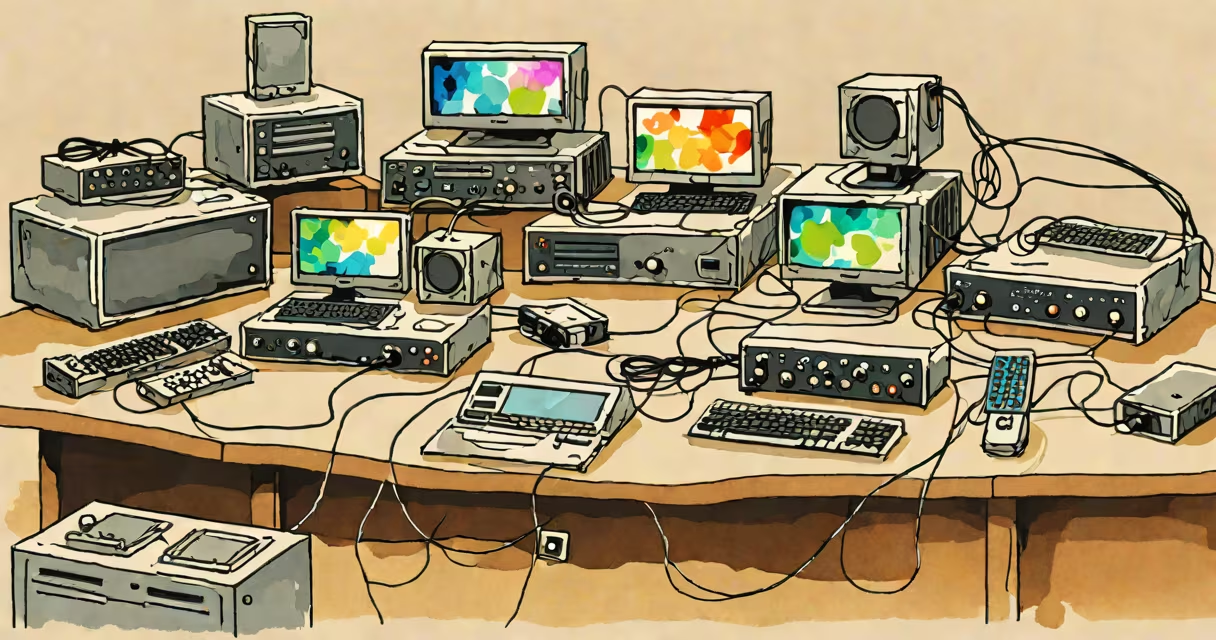
A KVM switch connects multiple computers to a single keyboard, video monitor, and mouse, allowing one user to control all systems from one station. These devices simplify workflows in offices, server rooms, and home setups.
KVM switches use electronic circuitry to route signals between computers and peripherals. When you press a button or key combination, the switch redirects inputs and outputs to the selected computer. Most models support USB, HDMI, DisplayPort, or DVI connections, depending on the model.
| Type | Ports | Use Case |
|---|---|---|
| USB KVM | 2-4 | Office desktops |
| DisplayPort KVM | 4-8 | High-resolution workstations |
| IP KVM | 16+ | Server rooms |
KVM switches are widely used in offices to reduce clutter and improve efficiency. For example, a graphic designer might connect a Mac for design work and a Windows PC for email and meetings to one monitor, keyboard, and mouse. In server rooms, IT professionals use IP KVM switches to manage multiple machines remotely.
Many people confuse KVM switches with simple USB switches. While both share similar functions, KVM switches handle video signals, whereas USB switches only manage peripheral connections. A KVM switch helps both input and output signals are routed correctly, providing a smooth experience.
I once set up a 4-port KVM switch in a small marketing agency. The team could easily toggle between their design software on a Mac and their project management tools on a Windows PC without rearranging cables. This saved time and reduced desk clutter.
When selecting a KVM switch, consider the number of ports, connection types, and resolution support. For basic office use, a 2-4 port USB KVM switch suffices. For high-performance tasks like video editing, opt for a DisplayPort KVM with 4K support. Server environments benefit from IP KVM switches with remote access capabilities.
Most KVM switches support plug-and-play setup, requiring minimal configuration. However, some advanced models may need driver installations for full functionality. Always check compatibility with your operating systems and peripherals before purchasing.
One common myth is that KVM switches slow down computer performance. In reality, they introduce negligible latency-typically less than 1 millisecond-and do not affect system speed. Another misconception is that they are only useful for IT professionals. In fact, they benefit anyone managing multiple computers,.